Building an Admin Panel for Startup MVPs in 2026: A Founder’s Guide to Internal Tools
Alex
··11 min read
An admin panel is the operational backbone of any startup MVP, quietly powering the business behind the user-facing product. It gives founders and small teams direct control over content, users, transactions, and analytics—without needing to touch code. In 2026, with rising expectations for speed and scalability, a well-designed internal tool isn’t a luxury; it’s a necessity for efficient operations and rapid iteration.
Quick Answer: Smart admin panels for startup MVPs streamline internal tool development for startups by centralizing critical functions like user management, content control, and data monitoring. Without one, teams waste up to 30% of their time navigating fragmented systems or waiting on developers for simple updates. This guide covers why custom back office software for small teams is essential, how it accelerates growth, and what to include in your 2026 MVP.
For founders building without a technical co-founder, investing in operations dashboard development early can replace manual workflows and eliminate bottlenecks—much like transitioning from Airtable to a custom app as your needs grow.
Core Functions Every MVP Admin Panel Should Include
A startup-ready admin panel consolidates mission-critical operations into a single, intuitive interface—eliminating context switching and manual data wrangling. For non-technical founders, this internal dashboard for operations team becomes the command center for scaling efficiently. Below are the essential components every MVP admin panel should include.
User & Access Management
Securely manage team roles and client permissions without developer intervention. Define granular access levels—such as view-only, editor, or admin—for internal staff and external partners. This is foundational for startups managing sensitive customer data or operating in regulated environments. A well-structured system ensures compliance and reduces risk, especially as your team grows beyond the founding circle. For deeper implementation strategies, see our guide on authentication and user roles for your startup MVP.
Real-Time Operational Dashboards
Monitor key business metrics at a glance: active users, pending jobs, conversion rates, or service delivery timelines. For a service business using a job tracking app for service business workflows, live dashboards reveal bottlenecks instantly—like delayed client onboarding or underutilized team capacity. Founders can make data-driven decisions daily, not days after exporting CSV files.
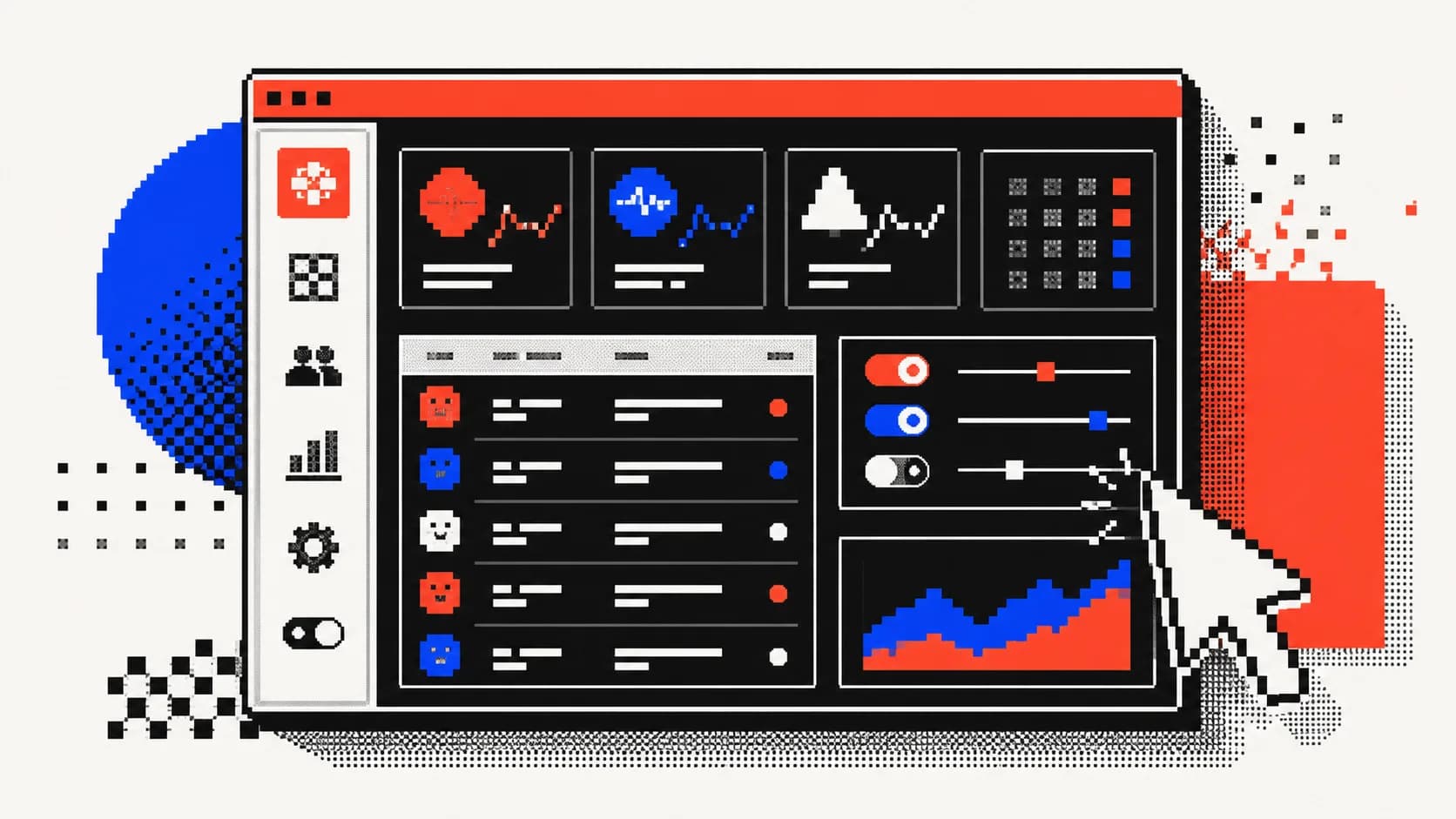
A centralized operations dashboard gives founders real-time visibility into business performance
Approval & Task Workflow Automation
Replace email chains and Slack pings with built-in workflow logic. Automate a quote to invoice workflow app by routing proposals for internal sign-off, triggering contract generation, and syncing with payment systems. This workflow tool for operations team cuts approval cycles from days to hours, accelerating revenue recognition and client onboarding.
When to Build a Custom Admin Panel vs. Use Off-the-Shelf SaaS
As your startup gains traction, the question isn't if you’ll need internal tools—but whether to build a custom admin panel or rely on off-the-shelf SaaS platforms. The right choice hinges on your operational complexity, growth trajectory, and long-term vision. While generic tools like Google Sheets or Airtable offer quick starts, they falter under real business pressure.
Limitations of Spreadsheets and Generic Tools
Spreadsheets may work for early validation, but they quickly become fragile systems for managing clients, billing, or workflows. Manual data entry invites errors, version conflicts arise across teams, and real-time collaboration is nearly impossible. When your service business needs to track jobs, sync payments, or manage client onboarding at scale, these tools lack enforcement logic and audit trails. You're not just managing data—you’re running a business, and generic platforms weren’t built for that load.
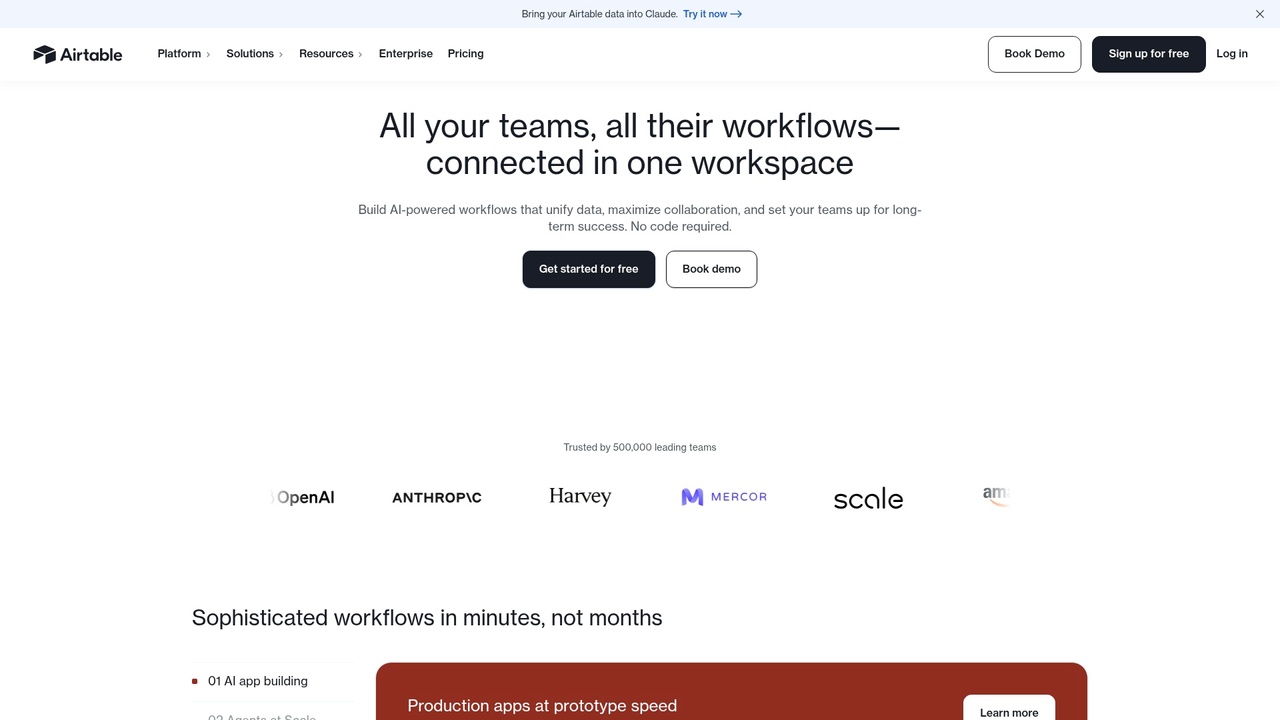
Airtable works for early-stage tracking, but lacks the automation and security needed for production-scale operations
Signs You Need a Custom-Built Solution
You’re ready for a custom internal app when workflows span multiple systems, require conditional logic, or involve sensitive data. If you're manually exporting reports, copying data between tools, or delaying feature launches due to tool limitations, it’s time. Need to integrate with Stripe for automatic invoicing or enforce role-based access across departments? These are clear signals. A tailored admin panel becomes essential when your operations are unique enough that forcing them into a SaaS template costs more in time than building the right system upfront.
Cost-Benefit Comparison: Custom vs. SaaS
Factor
Custom Admin Panel
Off-the-Shelf SaaS
Upfront Cost
$5,000–$200,000+ depending on complexity
$20–$500/month
Customization
Full control over logic, UI, and integrations
Limited to platform capabilities
Maintenance
Managed by your dev team or partner
Handled by provider
Scalability
Built to evolve with your business
May require costly upgrades or migration later
Team Efficiency
Eliminates workarounds; automates core ops
Can create silos and manual sync tasks
Refactoring an admin panel post-launch costs 3–5x more than getting it right initially—so foundational decisions matter. For startups aiming to replace spreadsheets with an internal app that scales, investing in the best stack for internal tools from the start prevents costly pivots. Explore our guide on building internal tools for startups to understand how custom solutions align with long-term efficiency.
Choosing the Right Tech Stack for Your MVP Admin Panel in 2026
Building an internal tool for a startup requires balancing speed, scalability, and long-term maintainability. The right tech stack enables rapid development without locking you into a rigid system that can’t evolve with your business. For non-technical founders, the goal is to deploy a production-ready admin panel quickly—without compromising control over data, workflows, or user access.
Top Frameworks for Rapid Admin Panel Development
Tools like Retool, Directus, and Supabase offer fast paths to functional internal interfaces. Retool excels when you need to connect to existing databases and APIs quickly, letting you build admin UIs in hours. Its pricing model separates developer and end-user licenses—€11/month for builders and €6/month for viewers—making it cost-effective for small teams. Directus provides a headless CMS layer over your database, ideal for content-heavy admin needs. For full flexibility, a custom React + Node.js stack gives complete control, especially when integrating advanced business logic or third-party services like Stripe, which you can explore in our guide to building customer portals with Stripe payments.
Backend Options: BaaS, Low-Code, or Full Custom?
Backend-as-a-Service (BaaS) platforms like Supabase and Firebase accelerate development by handling authentication, real-time data, and serverless functions. They’re ideal for early validation and simple workflows. However, complex business rules or compliance needs often demand a custom backend. While low-code options reduce initial effort, they may require migration later—something to weigh using our build vs buy software calculator.
Choosing between fragmented tools and a unified custom backend can define your startup’s operational efficiency
Database & Authentication Essentials
PostgreSQL has emerged as the preferred database for startup MVPs, praised for reliability, JSON support, and scalability. It’s the #1 most-wanted database among developers, outpacing MySQL in adoption due to its robust feature set. Pair it with Supabase Auth or Auth0 for secure, scalable user management. These systems handle OAuth, role-based access, and session control—critical components of any custom back office software for small teams.
How Shipkit Builds Production-Ready Admin Panels for Startup MVPs
For non-technical founders, launching an MVP with a fully functional admin panel can feel out of reach. At Shipkit, we act as your technical co-founder—handling everything from initial specification to deployment, so you can focus on strategy and growth. Our approach to internal tool development for startups eliminates the guesswork, delivering a secure, scalable admin system with integrated payments, user management, and business logic—no coding required on your part.
From Idea to Deployed Admin Panel in 6 Weeks
We follow a streamlined, six-week process designed for speed without sacrificing quality. The journey begins with a discovery sprint to map your core workflows and user roles. Within days, we deliver clickable wireframes for your feedback. Once approved, our full-stack team builds the application using modern tools like Supabase and PostgreSQL, ensuring robust staff portal development from day one. Testing and refinement occur in parallel, leading to a production-ready launch—often faster than traditional development cycles. Most MVPs take 8–16 weeks to build, but with focused scope, we deliver functional admin panels in as little as six weeks—ideal for rapid validation.
Integrated Business Logic: Beyond Basic Dashboards
A powerful admin panel does more than display data—it drives action. Shipkit embeds real-world workflows directly into your dashboard, such as quote-to-invoice pipelines, job tracking, and approval systems. This level of operations dashboard development transforms your internal tool from a passive viewer into an active engine for growth. Whether managing client onboarding or processing service requests, your team gains a single source of truth that reduces errors and accelerates decision-making. For example, we seamlessly integrate Stripe subscriptions, enabling automated billing and customer access control—details covered in our guide to building a customer portal with Stripe payments.
Why Founders Choose Shipkit Over Freelancers or In-House Hires
While freelancers may offer lower hourly rates, they often lack the full-stack depth and accountability needed for end-to-end delivery. One founder shared: “I wasted three months with freelancers before Shipkit rebuilt our admin panel in five weeks—finally, someone who owned the outcome.” We provide not just developers, but ownership: a unified team that architects, builds, and maintains your product. This end-to-end responsibility ensures consistency, faster iteration, and long-term scalability—critical advantages over fragmented hiring approaches.
Frequently Asked Questions About Admin Panels for Startup MVPs
How much does it cost to build an admin panel for a startup MVP in 2026?
Costs vary based on scope—from lightweight internal tools to full staff portal development with real-time data syncing. Simple dashboards start around $15,000, while complex systems with workflow automation, user roles, and third-party integrations can reach $50,000+. Keep in mind that annual maintenance typically runs 15–20% of the initial build cost, covering updates, security patches, and minor enhancements (DhiWise).
How long does it take to develop a custom admin panel?
A basic internal approvals app or job tracking app for a service business can be ready in 4–6 weeks. More intricate systems—like a custom CRM for a service business with client histories, billing, and team workflows—take 8–12 weeks. Speed depends on clarity of requirements and integration depth.
Can I build an admin panel without coding?
No-code platforms can prototype simple internal tools, but they often fail at scale. For secure, customizable, and maintainable solutions—especially when handling user data or payment logic—custom development is essential. Think of no-code as a testing ground, not a long-term home.
What’s the difference between an admin panel and a CRM?
A CRM focuses on customer interactions, sales pipelines, and client data. An admin panel is broader—it includes CRM functions but also covers user management, billing, content moderation, and backend operations. They can overlap, but the admin panel is your team’s command center.
Should my MVP include an internal dashboard from day one?
Yes, if your business model relies on manual oversight—like service fulfillment or user verification. Even a minimal dashboard prevents chaos as you scale. Delaying it risks operational debt, much like skipping a PRD. For guidance, see our guide to building an internal dashboard for your operations team.
How do I secure user data in a custom admin panel?
Use end-to-end encryption, enforce role-based access control, and audit all admin actions. Ensure compliance with regulations like GDPR or CCPA early. Security isn’t a feature—it’s foundational.
Can an admin panel integrate with Stripe or PayPal?
Absolutely. Integrating Stripe enables automated billing, subscription management, and customer access control. This is critical for SaaS or service-based models. For implementation tips, refer to our guide on building a customer portal with Stripe payments.
What’s the best way to test an admin panel before launch?
Run a closed beta with real team members performing daily tasks. Collect feedback on usability, performance, and edge cases. Iterate quickly—this is how you turn an internal tool into a true growth accelerator.
Final Thoughts: Building a Scalable Admin Panel for Your 2026 MVP
A well-designed admin panel isn’t a luxury—it’s the operational core of every successful MVP. Relying on spreadsheets or fragmented SaaS tools creates inefficiency and slows decision-making. Custom internal tool development for startups replaces manual workflows with a unified system that scales with your business. By investing in operations dashboard development early, founders gain real-time visibility, enforce security, and streamline growth-critical tasks. This level of polish doesn’t just improve team productivity—it signals investor readiness. For a deeper dive, see our guide on building an internal dashboard for your operations team.
Article FAQ
Practical next steps
Who is this MVP guide for?
This guide is written for non-technical founders, operators, and small teams who need to make product decisions before hiring a full engineering team. It focuses on practical scope, cost, timeline, and execution trade-offs rather than abstract startup theory.
What should I do after reading this article?
Turn the idea into a small decision: validate the riskiest assumption, estimate the build scope, and decide whether the first version should be no-code, custom code, or a hybrid. Shipkit's free estimate and MVP scope builder can help you translate the article into a concrete plan.
Can Shipkit help implement this kind of product?
Yes. Shipkit helps founders turn validated ideas into fixed-scope MVPs, SaaS products, internal tools, marketplaces, and AI-enabled workflows. The best starting point is to get an estimate or compare your build path before committing budget.