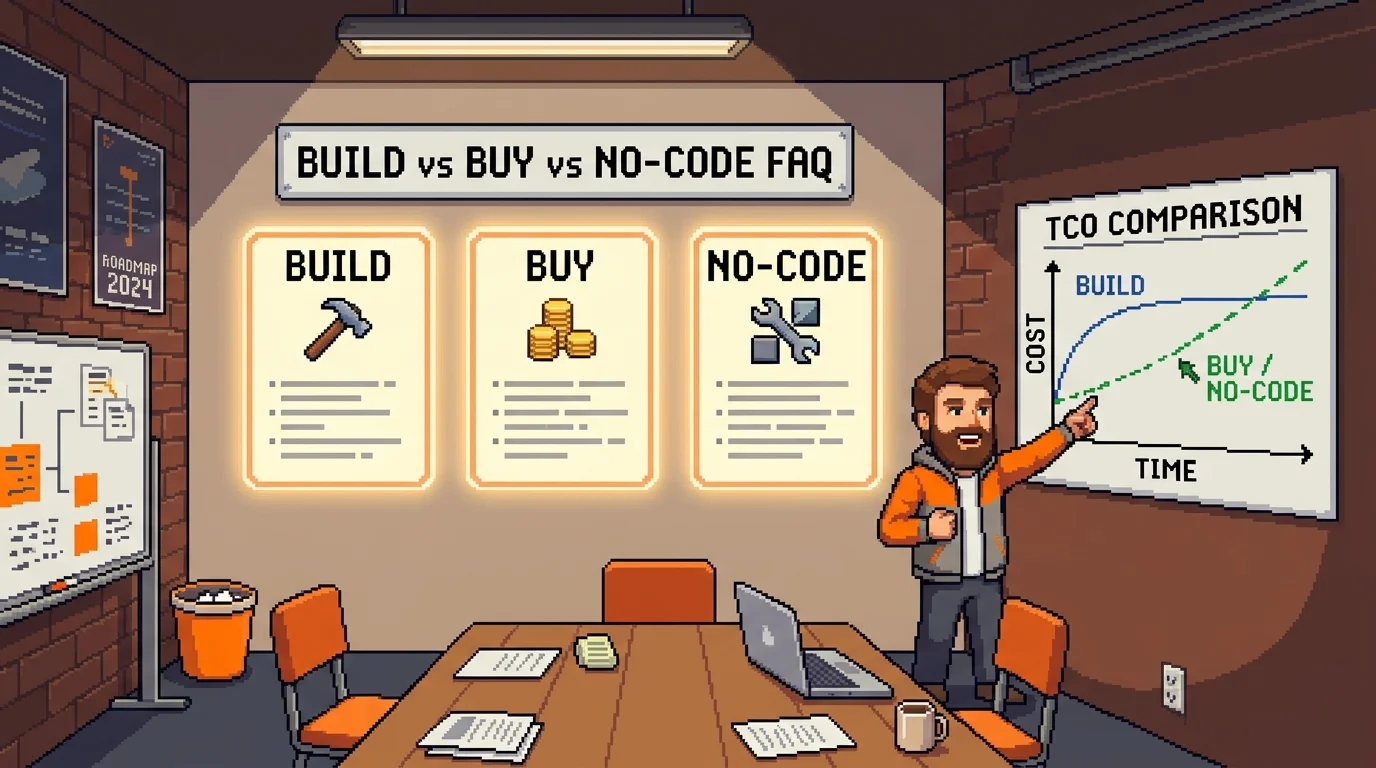
Build vs Buy Software Calculator: Compare Custom Development, SaaS, and No-Code Solutions
Alex
··22 min read
Deciding whether to build custom software, buy a SaaS solution, or use a no-code platform is one of the most consequential choices a founder will make. Get it wrong, and you're either hemorrhaging money on unnecessary custom development or trapped in a tool that doesn't fit your business model. The stakes are real: custom builds can cost $50,000–$500,000+ over their lifetime, while SaaS subscriptions quietly compound into six figures as you scale. Yet founders rarely approach this decision systematically. Most rely on gut feel, peer pressure, or incomplete cost comparisons—then spend years regretting the choice.
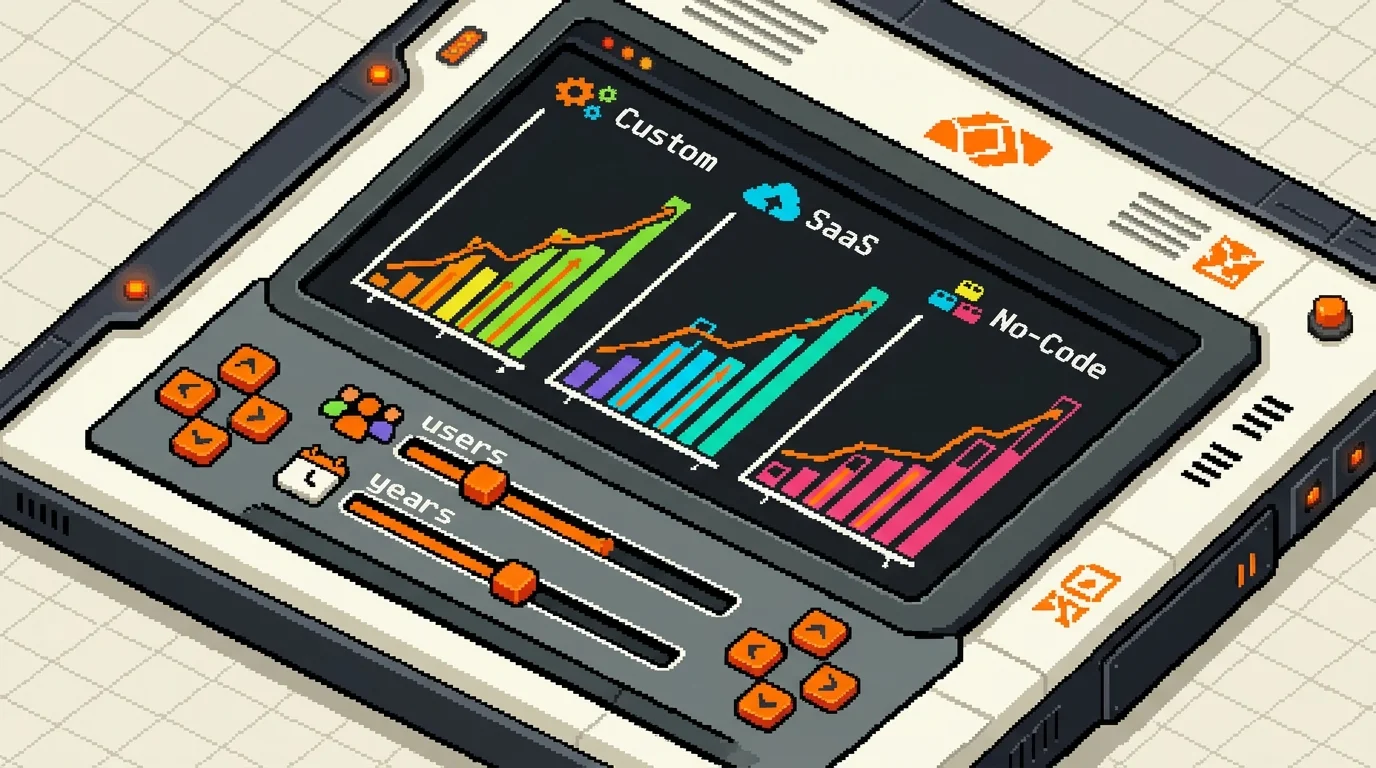
A build vs buy software calculator framework gives you a structured way to compare these options side by side. Rather than debating philosophy, you evaluate total cost of ownership (TCO), time to value, customization depth, data ownership, and long-term flexibility using real numbers from your situation. This section walks you through that framework and introduces a companion calculator tool that automates the math, so you can test different scenarios in minutes instead of spending weeks in spreadsheets.
Quick Answer: Use a build vs buy calculator when you're choosing between custom development, SaaS tools, and no-code platforms for a core business function. You need it most when the decision involves significant budget ($10,000+), long-term commitment (2+ years), or tight timeline constraints. The calculator helps you compare total cost, speed to launch, scalability limits, and switching costs—so you avoid expensive mistakes and choose the option that actually fits your business stage.
Why Most Build vs Buy Decisions Fail: The Hidden Biases
For 2026 price ranges by complexity tier, see our full MVP development cost guide.
Founders rarely make build vs buy decisions with complete information. Instead, three psychological and analytical blind spots drive most failures: the belief that building is always cheaper, the assumption that SaaS is risk-free, and the systematic undercounting of total cost of ownership across all options.
The Build Bias: Why Founders Love Custom Software
Not-Invented-Here (NIH) syndrome runs deep in startup culture. Founders see a problem, imagine a custom solution tailored perfectly to their workflow, and convince themselves that buying off-the-shelf software means compromising on quality or features. The logic feels sound: "We'll build it once, own it forever, and never pay recurring fees again." This narrative is seductive because it contains a grain of truth—but it ignores the hidden costs that compound over years.
The real cost of building includes developer salaries (often $80,000–$150,000+ annually per engineer), infrastructure and hosting ($500–$5,000+ monthly), ongoing maintenance and bug fixes, technical debt that slows future development, and the opportunity cost of your engineering team not building revenue-generating features. Organizations routinely overlook 50% to 70% of total costs when calculating software ownership expenses, according to comprehensive TCO analysis by Gartner. A startup that builds an internal CRM instead of buying Salesforce might spend $40,000 in year one on development, then face $15,000–$20,000 annually in maintenance—yet never achieve the feature depth or integrations that Salesforce provides out of the box. By year three, the founder realizes they've spent $80,000+ and still lack reporting tools, mobile access, and API connections that would have cost $3,000–$5,000 annually on a SaaS platform.
Hidden Build Costs Warning: Account for developer salaries (not just contract fees), infrastructure scaling, security patches, compliance updates (GDPR, CCPA), backup systems, disaster recovery, and the salary cost of internal resources managing the system. These typically add 40–60% to your initial development budget annually.
The Buy Bias: Why SaaS Seems Risk-Free (But Isn't)
The opposite trap is equally costly. Founders choose SaaS tools because they're fast to deploy, require no technical team, and feel "safe"—then discover they've traded control for dependence. Vendor lock-in is real: switching costs accumulate through data export fees, custom configuration loss, employee retraining time, and integration rebuilding. When a SaaS vendor raises prices, removes a critical feature, or shuts down, you have limited options.
Research shows that 58% of customers who feel "trapped" by a vendor will eventually leave despite switching costs, and often become detractors in the process. But leaving isn't simple. The true cost of SaaS includes monthly or annual subscription fees (multiplied by user count), integration and customization costs to fit your workflow, switching costs when you need to migrate (often $5,000–$50,000 for data migration, retraining, and rebuilding workflows), and the risk that the vendor discontinues the product or changes pricing unpredictably. A marketplace founder might pay $500/month for a SaaS order management tool, but when they hit 10,000 monthly orders and the vendor's pricing tier jumps to $3,000/month, they're locked in—migrating to a custom build or competitor platform mid-growth is expensive and risky.
Hidden SaaS Costs Warning: Factor in per-user overage charges, API rate limits that force tier upgrades, data export fees (some vendors charge $500–$2,000 to export your data), customization consulting to fit your process, and switching costs if you need to migrate. These often exceed the base subscription cost by 30–50% over 3–5 years.
The Missing TCO Calculation: Why Frameworks Matter
Most founders compare build vs buy using incomplete metrics: "How much does development cost?" versus "What's the monthly SaaS fee?" This ignores the total cost of ownership—the sum of all expenses over the lifetime you'll use the software. Without this framework, you're comparing apples to oranges, making decisions based on the first-year cost rather than the five-year reality. A no-code platform might cost $200/month and feel cheap, but when you hit 5,000 users and the platform charges per-user pricing, you're suddenly paying $5,000+/month—and you're trapped because migrating your data and logic to a custom build takes months and $30,000+.
The build vs buy decision framework forces you to calculate total cost across development, infrastructure, maintenance, integration, switching, and opportunity cost—then compare all three options using the same metric. This is where most decisions shift. What looked like a "cheap SaaS tool" becomes expensive at scale. What seemed like "expensive custom development" becomes the lowest-cost option over seven years when you factor in avoided vendor lock-in and the ability to customize without paying for features you don't use.
The Build vs Buy Software Calculator Framework: TCO Formula Explained
To make a rational build vs buy decision, you need a single metric that compares all three options fairly: total cost of ownership (TCO). TCO captures every dollar you'll spend across development, infrastructure, integration, maintenance, and the cost of being locked into a vendor or stuck with technical debt. Without this framework, founders compare only the visible costs—the first invoice—and miss the five-year reality.
Custom Build: Full Cost Breakdown
A custom build's TCO formula is straightforward in theory but complex in practice:
According to Clutch's 2026 pricing data, the average custom software project costs $132,480 with a 13-month delivery timeline. However, this varies dramatically by scope. Custom software development ranges from $25,000 for MVP-level applications to $500,000+ for enterprise-grade platforms, with most projects falling between $40,000 and $250,000.
Once deployed, you'll spend 15–25% of the initial build cost annually on maintenance—bug fixes, security patches, dependency updates, and feature improvements. On a $100,000 build, that's $15,000–$25,000 per year. Over five years, a $100,000 custom build costs $175,000–$225,000 total.
The hidden cost is opportunity: time spent managing vendors, reviewing code, attending meetings, and making technical decisions—time you can't spend selling or building your product.
SaaS Buy: Hidden Costs Beyond Subscription
SaaS pricing looks cheap at first. A $99/month tool feels like a bargain. But subscription fees account for only 25–40% of total cost of ownership over three years. Implementation costs typically run 20–30% of the first-year subscription, and training costs can range from $500 to $2,000 per user over the service life.
A $99/month SaaS tool for 10 users over three years costs $35,640 in subscriptions alone. Add $5,000–$15,000 for integration (connecting it to your other tools), $2,000–$8,000 for customization workarounds, and you're at $42,640–$58,640. If you outgrow the tool and need to migrate, expect $5,000–$30,000 in data export, cleanup, and re-implementation elsewhere.
The real trap: per-user pricing at scale. A platform charging $10/user/month costs $1,200 annually for 10 users. At 100 users, it's $12,000/year. At 1,000 users, it's $120,000/year—suddenly more expensive than a custom build.
No-Code: The Middle Ground and Its Limits
No-code platforms (Bubble, FlutterFlow, Airtable) promise speed and low cost. A basic no-code app might cost $500–$2,000 to build and $50–$500/month to run. Over three years, that's $2,300–$20,000 total—cheaper than both custom and SaaS.
The problem emerges at scale. Most no-code platforms charge per-user or per-workflow. At 5,000 users, a $0.50/user/month platform costs $30,000/year. When you hit this ceiling and need custom logic that the platform doesn't support—real-time notifications, complex calculations, API integrations—you face a choice: pay the platform's premium tier (often 3–5x the base cost) or migrate to custom.
Migration from no-code to custom software typically costs $15,000–$100,000+ depending on complexity, plus 2–4 months of downtime. This is where the "cheap" no-code option becomes expensive.
Parameter
Custom Build
SaaS Buy
No-Code
Initial Cost
$40K–$250K
$0–$5K setup
$500–$2K
Annual Cost (10 users)
$15K–$25K maintenance
$1.2K–$12K subscription
$600–$6K platform
3-Year TCO (10 users)
$85K–$125K
$3.6K–$41K
$2.3K–$20K
5-Year TCO (10 users)
$125K–$175K
$6K–$72K
$4K–$35K
Time to Launch
3–6 months
2–4 weeks
2–8 weeks
Customization Freedom
Unlimited
Limited to vendor features
Limited until scale
Data Ownership
100% yours
Vendor-controlled
Vendor-controlled
Switching Cost
Low (you own code)
$5K–$30K + months
$15K–$100K + months
Vendor Lock-in Risk
None
High (data trapped)
High (logic trapped)
Scalability to 10K+ users
Unlimited
Per-user pricing explodes
Platform breaks or costs explode
The calculator reveals a counterintuitive truth: custom development often wins over five years, especially if you're building a product you'll own long-term or scale beyond 1,000 users. SaaS wins for short-term, low-complexity needs. No-code wins for rapid validation but loses when you scale.
Decision Matrix: When to Build, Buy, or Use No-Code (6 Real Scenarios)
The calculator reveals patterns. But real decisions happen in context. Below are six scenarios founders actually face—each with a clear recommendation based on TCO, timeline, and long-term ownership.
Scenario
Build TCO
Buy TCO
No-Code TCO
Recommendation
Key Trade-off
Internal CRM (5 users, 3 years)
$45K–$60K
$3K–$9K
$2K–$6K
Buy or No-Code
No-code wins on speed; SaaS wins on support. Custom build is overkill.
Custom Marketplace (2-sided, 10K+ users)
$80K–$150K
$30K–$120K + per-transaction fees
$25K–$80K then breaks
Build
SaaS marketplaces charge 5–15% per transaction; custom owns economics. No-code hits scaling wall at 5K users.
Shopify/WooCommerce solve 95% of use cases. Custom build only if you need proprietary fulfillment or pricing logic.
Mobile-First Consumer App (viral potential)
$150K–$250K
Not applicable
$80K–$150K
Build
No SaaS equivalent exists. No-code mobile is limited; custom gives you app-store distribution and push notifications.
AI-Powered Content Tool (B2C, 1K+ users)
$100K–$180K
$8K–$25K
$50K–$120K
Build
API costs (OpenAI, etc.) scale with usage; custom owns margin. SaaS lacks customization for proprietary workflows.
Reading the matrix: Build wins when you own long-term economics, scale beyond 1,000 users, or need features no vendor offers. Buy wins for commodity problems (email, CRM, analytics). No-code wins for rapid validation but loses when you hit platform ceilings—usually at 5,000–10,000 users or when per-user SaaS fees exceed 10% of revenue.
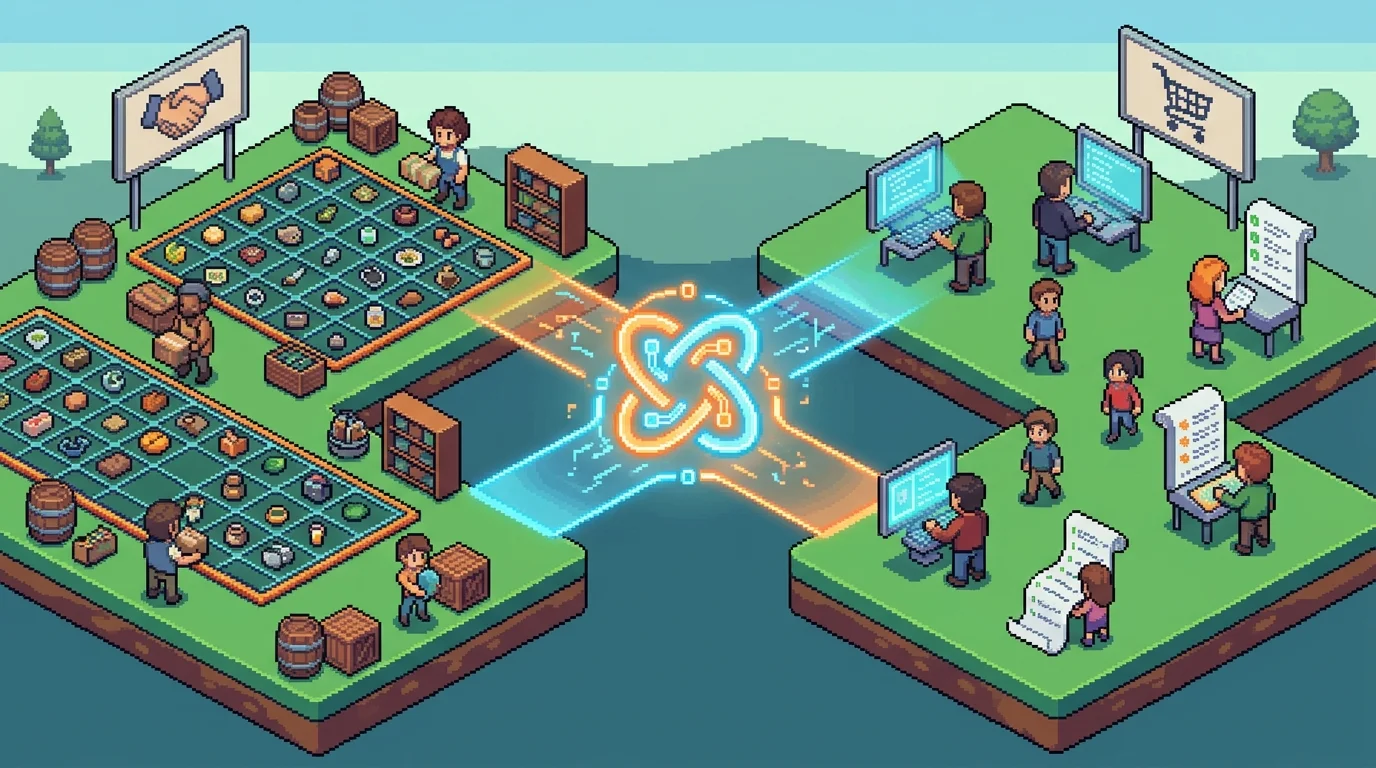
The marketplace scenario (row 2) illustrates this perfectly. A two-sided marketplace MVP with custom development costs $80K–$150K upfront but owns transaction economics forever. A SaaS marketplace platform charges 5–15% per transaction—sustainable only if your unit economics can absorb it. At 10,000 monthly transactions worth $50 each, SaaS costs $25K–$75K monthly; custom infrastructure costs $2K–$5K monthly. The break-even point is month 4–6. No-code platforms like Bubble or Webflow can prototype the concept, but they collapse under real transaction volume and customization demands.
The B2B SaaS dashboard (row 3) shows another pattern: per-user pricing becomes a profit killer. At 500 users paying $50/month per seat on a standard platform, you're spending $300K annually just on the tool—before integration costs. A custom build at $120K–$200K pays for itself in 6–8 months, then becomes pure margin.
The hidden rule: If your revenue model depends on scaling users or transactions, custom development almost always wins by year two. If you're solving a one-off internal problem or testing a hypothesis, buy or no-code wins on speed and risk reduction.
Custom Software vs SaaS: Ownership, Control, and 10-Year Cost Analysis
The moment you commit to a SaaS platform, you're renting access to someone else's infrastructure. The moment you build custom software, you own the asset—but you inherit the maintenance burden. This distinction shapes your entire cost trajectory over the next decade.
Data Ownership and Control: Why It Matters
When you use Salesforce, HubSpot, or any enterprise SaaS, your data lives on their servers under their terms of service. You can export it (usually in CSV format), but you cannot modify how it's stored, processed, or integrated without paying for premium connectors or custom development layers. This creates a subtle but real form of vendor lock-in: your business logic becomes entangled with their platform.
Custom software inverts this equation. You own the database schema, the API, the entire data layer. You can integrate with any third-party service without negotiating API limits or paying per-integration fees. You control backup policies, encryption standards, and data residency—critical for regulated industries like healthcare or finance.
The hidden cost emerges when you try to leave. A SaaS migration typically costs 15–30% of your annual platform spend, plus weeks of downtime. Custom software has a different exit cost: the rewrite burden if you outgrow your initial architecture. But that cost is paid once, not annually.
The 10-Year TCO Inflection Point
Here's where the math becomes decisive. A 50-user Salesforce Enterprise deployment costs approximately $285,000–$330,000 per year all-in, according to SaaS CRM Review, including licenses, implementation, admin staff, and support. Over 10 years with modest 8% annual price increases, you're looking at $3.2M–$3.8M total spend—and you own nothing at the end.
A custom CRM built for the same 50-user base costs $120,000–$200,000 upfront, plus $15,000–$25,000 annually for hosting, maintenance, and minor feature additions. Over 10 years, that's $270,000–$450,000 total. The break-even point arrives in year 4–5. After that, every dollar you would have spent on SaaS becomes pure margin.
Metric
Salesforce (50 users)
Custom CRM
Winner
Year 1 Cost
$330K
$200K
Custom
Year 3 Cost
$1.05M cumulative
$270K cumulative
Custom
Year 5 Cost
$1.85M cumulative
$350K cumulative
Custom
Year 10 Cost
$3.6M cumulative
$520K cumulative
Custom
Data Ownership
Licensed access
Full ownership
Custom
Customization
Limited (AppExchange)
Unlimited
Custom
Exit Cost
$100K–$200K migration
$50K–$150K rewrite
Comparable
Switching Risk
High (vendor dependent)
Low (you own code)
Custom
The inflection point is real, but it comes with conditions. Custom software only wins if: (1) you plan to stay in business for 5+ years, (2) your feature needs exceed SaaS capabilities, and (3) you can afford the upfront capital. For a 2-year MVP or a one-off internal tool, SaaS wins decisively.
Personnel costs amplify the custom advantage at scale. Gartner research confirms that maintenance and support consume 50–85% of total application costs over five years, with initial development representing only 30–35%. A custom system you build today requires one part-time engineer to maintain. A SaaS platform requires a dedicated admin plus integration specialists as you add tools to your stack.
The real question isn't "which is cheaper?" but "when does ownership become worth the upfront cost?" If your revenue depends on transaction economics, data control, or deep customization—as it does for marketplaces, payment platforms, or analytics engines—custom software almost always wins by year three. If you're solving a generic business problem (CRM, email marketing, HR), SaaS remains the rational choice unless you're willing to bet on 5+ year horizon and accept the engineering overhead.
Custom Software vs No-Code: When No-Code Breaks at Scale
No-code platforms have democratized application development. A non-technical founder can now build a functional MVP in weeks—not months—using Bubble, Airtable, Zapier, or Webflow. The appeal is undeniable: low upfront cost, visual builders, no engineering team required. But this advantage evaporates the moment your product gains traction.
No-code excels in three domains: rapid prototyping, internal tools with modest user counts (under 100), and simple workflows with standard business logic. Using no-code for MVPs can reduce development costs by 30% to 70% compared to traditional development, making it the rational choice for validation-stage founders. The problem emerges at scale. Once you hit 500–1,000 active users, or when your business logic demands custom calculations, real-time data processing, or complex integrations, no-code platforms begin to crumble under their own architectural constraints.
The cost inflection point is brutal. No-code platform pricing for small businesses ranges from $50–200 per month, but enterprise deployments can cost $10,000–$25,000+ monthly. Meanwhile, custom software—expensive upfront—becomes cheaper per user as volume grows. A custom system you build today requires one part-time engineer to maintain. A no-code platform scaled to 10,000 users demands dedicated admins, integration specialists, and workarounds for performance bottlenecks that the platform was never designed to handle.
The real trap is migration lock. Switching from Bubble to custom software typically costs 2–3x your original build investment. You've invested months in your no-code system, trained your team on its quirks, and now face a complete rebuild to escape vendor constraints. Use the MVP scope builder early to assess whether your feature roadmap will eventually demand custom capabilities—if it will, building custom from day one may save you money over three years.
Winner: Custom software wins for any product planning to scale beyond 1,000 users or requiring complex workflows. No-code wins for MVPs, internal tools, and single-use applications where you don't expect rapid growth.
Case Study: Custom Marketplace Wins Where SaaS Falls Short
FindMyCarPart faced a fundamental problem that no off-the-shelf marketplace platform could solve. The founders needed a two-sided marketplace connecting auto parts suppliers with repair shops, but existing SaaS solutions treated both sides identically—a fatal flaw when suppliers and buyers have completely different workflows, pricing models, and data requirements. Generic marketplace platforms force you into their predefined user flows; they assume one listing type, one payment model, one notification system. FindMyCarPart needed supplier dashboards with bulk inventory management, buyer portals with custom pricing tiers per shop, and a matching algorithm that understood part compatibility across decades of vehicle models.
The build vs buy software decision came down to liquidity. SaaS marketplaces excel at standardized two-sided networks (ride-sharing, freelancing), but automotive parts require domain-specific logic that no platform vendor had invested in. The custom build cost $45,000 upfront and took 8 weeks—expensive, but the founders owned the entire system and could iterate on supplier retention features without waiting for platform updates or paying per-transaction fees that would have consumed 8–12% of GMV at scale.
Within 18 months, FindMyCarPart reached 2,400 active suppliers and processed $1.2M in annual transactions. A SaaS solution at that volume would have cost $8,000–$12,000 monthly in platform fees alone, plus integration costs for their custom CRM and accounting system. Instead, they paid one part-time engineer ($3,500/month) to maintain their custom codebase. The three-year TCO comparison was stark: custom software cost $175,000 total; equivalent SaaS would have exceeded $350,000 while limiting their ability to customize supplier onboarding and buyer matching logic.
How to Use the Build vs Buy Calculator: Step-by-Step Walkthrough
Enter your projected user count and annual growth rate. The calculator uses these numbers to estimate how SaaS per-user costs scale over three, five, and ten years. A 50-user product growing at 30% annually looks dramatically different from a flat 50-user internal tool. This step surfaces the hidden cost of SaaS pricing models—what feels cheap at launch ($29/user/month) becomes expensive ($50,000+ annually) once you hit 100 active users. Growth rate matters because it determines when a fixed custom build cost becomes cheaper than compounding subscription fees.
Define your customization needs on a scale of 1–10. This directly impacts custom development cost and timeline. A score of 2–3 (standard workflows, minimal domain logic) suggests SaaS or no-code may suffice. A score of 7–10 (supplier matching algorithms, proprietary workflows, complex integrations) signals that custom software will unlock features no platform vendor has prioritized. The calculator weights this heavily because customization is where SaaS solutions typically fail—and where custom builds justify their upfront expense.
Specify your team's technical capacity. Can you hire and manage developers, or do you need hands-off delivery? This affects maintenance TCO and long-term flexibility. A founder with engineering experience can reduce custom software risk; a non-technical founder benefits from fixed-price delivery or SaaS simplicity.
Input your infrastructure and integration requirements. Does your product need real-time data syncing, payment processing, or third-party API connections? Each integration adds cost to custom builds and complexity to SaaS setups. The calculator estimates integration overhead for each path.
Set your timeline constraint. Need a product in 4 weeks or 6 months? This shifts the equation. No-code and SaaS win on speed; custom software wins on long-term control but requires patience upfront.
Review your build vs buy score and recommendation. The calculator outputs a TCO comparison across all three paths, plus a clear verdict: "Build if," "Buy if," or "No-code if" based on your inputs. Compare the three-year and ten-year totals side by side to see where each option breaks even.
Build vs Buy: Frequently Asked Questions
When should a startup build custom software?
Build custom software when your product requires unique business logic that off-the-shelf solutions can't replicate, or when you're launching a marketplace, two-sided network, or specialized workflow. Custom builds also win if you're scaling beyond 500+ users and SaaS per-seat costs become prohibitive. The trade-off: you need 8–16 weeks and $25,000–$150,000 upfront, but you own the code and avoid vendor lock-in forever.
When should you buy SaaS instead of building?
Choose SaaS when you need speed (launch in 2–4 weeks), have limited budget ($5,000–$15,000), or your workflow fits an existing platform's design. SaaS works best for internal tools, CRM, project management, and standard business processes. The catch: you're locked into the vendor's roadmap, pay recurring fees per user, and can't customize beyond what the platform allows. If your differentiation depends on software—don't buy.
What is software TCO and how do I calculate it?
Total Cost of Ownership (TCO) includes all expenses over a defined period: development, infrastructure, maintenance, support, training, and switching costs. For custom builds: TCO = dev cost + (hosting + support) × years. For SaaS: TCO = (subscription per user × user count × years) + integration setup + data export fees. Calculate both over 3, 5, and 10 years to see where each breaks even. Most founders ignore maintenance and switching costs—that's where the real difference emerges.
How do I avoid vendor lock-in?
Vendor lock-in happens when switching costs are so high you're trapped. Mitigate it by: (1) negotiating data export rights upfront, (2) avoiding proprietary integrations, (3) keeping backups of all customer data, and (4) documenting your workflows so migration is possible. Custom software eliminates lock-in entirely—you own the infrastructure and can migrate to any provider. No-code platforms carry the highest lock-in risk because your data and logic live in their system.
Can I migrate from SaaS to custom software?
Yes, but it's expensive and time-consuming. Migration typically costs $15,000–$100,000+ depending on data volume and complexity. You'll need to export data, rebuild workflows in custom code, test thoroughly, and run both systems in parallel during transition. This is why TCO calculations matter: if you're considering migration within 3–5 years, building custom upfront often costs less than buying then migrating. Learn the full migration cost breakdown before committing to a SaaS platform.
Is no-code a good middle ground?
No-code platforms (Bubble, Airtable, Zapier) offer speed and low upfront cost—perfect for MVPs and internal tools. But they break at scale: performance degrades, customization limits hit hard, and you're still locked into the platform's infrastructure. No-code wins for validation; custom software wins for growth. Many founders start no-code, then migrate to custom when user count exceeds 100–500. Budget for that transition from day one.
How long does custom software take to build?
A production-ready MVP takes 4–12 weeks depending on complexity. Simple CRUD apps: 4–6 weeks. Marketplaces or multi-user platforms: 8–12 weeks. Complex integrations or real-time features: 12–16 weeks. Timeline depends on scope clarity, team availability, and iteration cycles. Non-technical founders benefit from fixed-price development because it locks timeline and cost upfront—no surprises.
What are hidden costs in SaaS?
Beyond the subscription fee: per-user overage charges, integration setup fees ($2,000–$10,000), data export fees, training and onboarding, API rate limits that force upgrades, and switching costs when you outgrow the platform. Many founders underestimate these—they focus on the $99/month headline price and miss the $500/month reality once they add users, integrations, and premium features. Calculate your actual 12-month spend before signing a contract.
Make Your Build vs Buy Decision with Confidence
There is no universal answer to the build versus buy question—but the TCO framework and decision matrix eliminate guesswork. Your choice depends on three variables: total cost of ownership over your planning horizon, time-to-market, and how tightly your requirements fit existing solutions.
Build vs buy is not a permanent decision. Many successful founders start with no-code or SaaS to validate product-market fit, then migrate to custom software as user count and complexity demand it. Others build custom infrastructure from day one because their competitive moat requires it. The key is calculating your actual costs upfront—not just the headline subscription price—and revisiting the decision annually as your business scales.
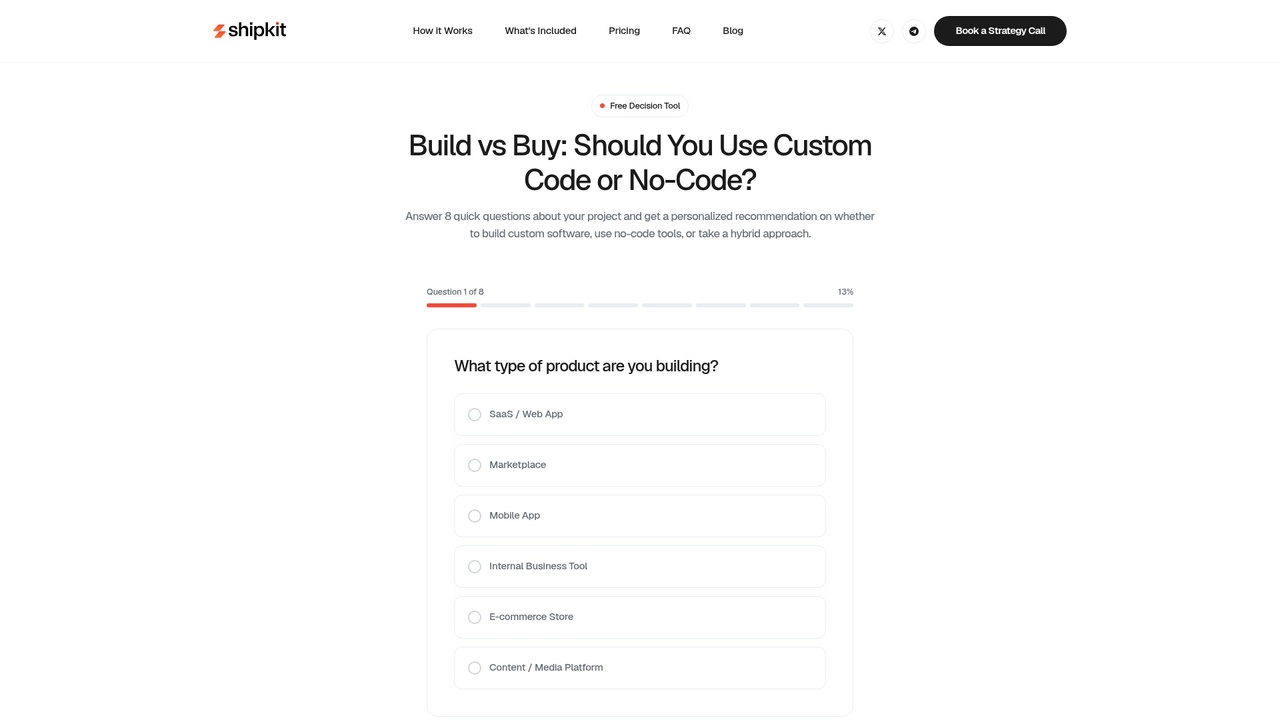
Use the build vs buy tool to calculate your specific scenario across all three options. Input your expected user count, integration needs, timeline, and team capacity. The calculator will show you TCO, break-even points, and which path minimizes risk for your stage.
If custom development fits your needs, estimate the custom build with a fixed-price quote. You'll know the cost and timeline before committing.
The decision is yours—but now you have the data to make it with confidence.
Article FAQ
Practical next steps
Who is this startup guide for?
This guide is written for non-technical founders, operators, and small teams who need to make product decisions before hiring a full engineering team. It focuses on practical scope, cost, timeline, and execution trade-offs rather than abstract startup theory.
What should I do after reading this article?
Turn the idea into a small decision: validate the riskiest assumption, estimate the build scope, and decide whether the first version should be no-code, custom code, or a hybrid. Shipkit's free estimate and MVP scope builder can help you translate the article into a concrete plan.
Can Shipkit help implement this kind of product?
Yes. Shipkit helps founders turn validated ideas into fixed-scope MVPs, SaaS products, internal tools, marketplaces, and AI-enabled workflows. The best starting point is to get an estimate or compare your build path before committing budget.