How to Build a SaaS with Cursor AI: A Founder's Complete Guide
Alex
··17 min read
Cursor AI has emerged as a transformative tool for founders who want to build production-ready SaaS products without needing deep coding expertise. Unlike traditional no-code platforms that limit you to pre-built templates, Cursor functions as an AI-powered code editor that understands your intent and generates functional code in real time. This bridges a critical gap: you can move far beyond prototyping into actual, deployable applications—but the question remains whether Cursor alone is sufficient for launching a truly production-grade SaaS, or whether it works best as part of a larger development strategy.
Quick Answer: Yes, you can build a functional SaaS with Cursor AI, but "production-ready" requires more than just code generation. Cursor excels at rapid feature development and iteration, but professional SaaS applications need proper architecture, security hardening, database optimization, and deployment infrastructure—areas where many founders hit a wall. The sweet spot for non-technical founders is using Cursor for fast prototyping and specification, then partnering with experienced developers to production-harden the result.
This guide cuts through the hype and shows you what Cursor can actually do, where it falls short, and how to position it within a realistic development workflow. You'll learn how to leverage Cursor's strengths while understanding the investment required to transform an AI-generated prototype into a SaaS product that users trust with their data and payment information. Whether you're exploring this as a solo founder or deciding whether to build with Cursor before scaling with professional development, this article provides the clarity you need to move forward confidently.
Why Cursor AI Stands Out Among AI-Powered Development Tools
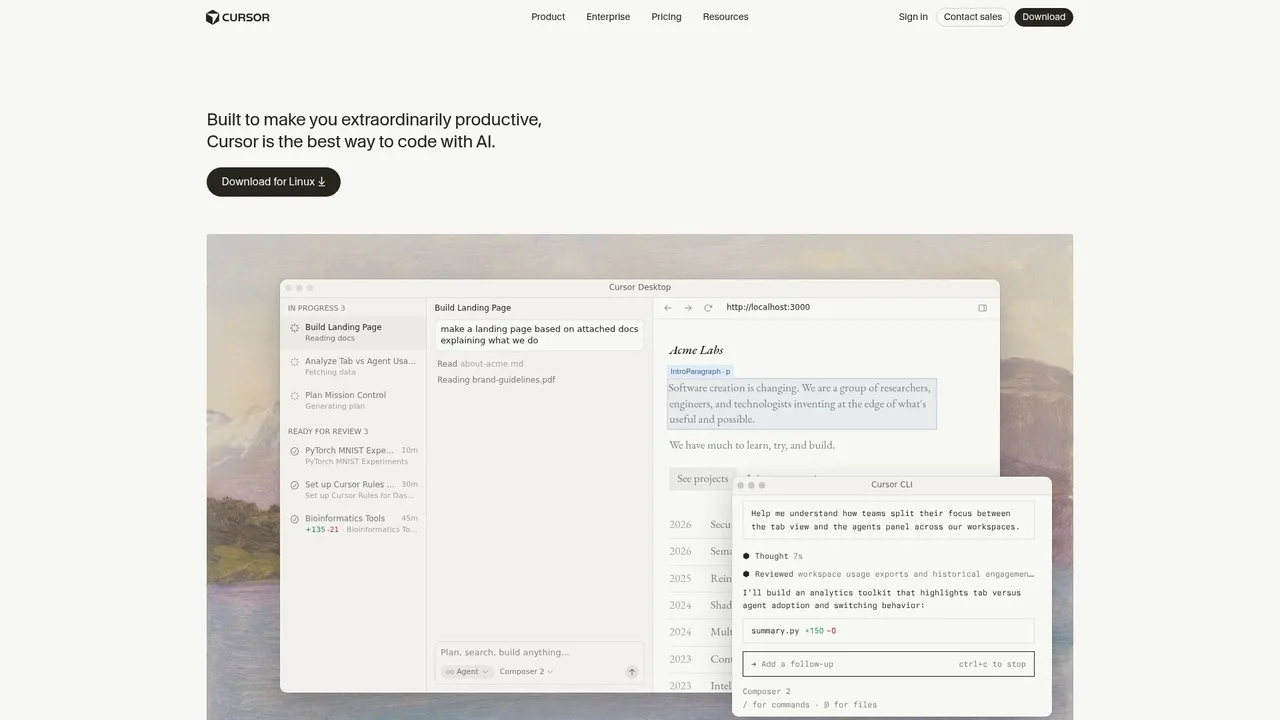
Cursor has become the go-to IDE for founders experimenting with AI-assisted development, and for good reason. Unlike generic AI coding assistants, Cursor operates as a full development environment that understands your entire codebase through context-aware generation. When you ask Cursor to build a feature, it doesn't just generate isolated code snippets—it reads your project structure, existing architecture, and custom conventions (defined in .cursorules files) to produce code that fits seamlessly into your application. This reduces the friction of iterating on AI-generated code, which is where most founders lose momentum.
The comparison with alternatives like Lovable and Bolt reveals important trade-offs. Lovable and Bolt excel at rapid visual prototyping—you describe an interface and they generate a working UI instantly. They're ideal if you're building a simple web app from scratch and want to see results in minutes. However, they abstract away the underlying code structure, making it harder to customize business logic, integrate third-party APIs, or maintain control over your codebase. Cursor takes the opposite approach: it gives you full code visibility and control, but requires you to understand what you're building and guide the AI through prompts and feedback.
For SaaS MVP development specifically, Cursor's strength lies in reducing iteration time when you have domain knowledge. If you understand your product requirements clearly, Cursor's context awareness means fewer refactoring cycles. You spend less time explaining your architecture to the AI because it's already reading your code. The trade-off is learning curve—Cursor assumes you're comfortable with code and terminal workflows, whereas Lovable and Bolt hide technical complexity behind visual interfaces.
Cursor's Context-Aware Code Generation
Cursor's killer feature is its ability to reference your entire codebase when generating new code. By reading .cursorfiles and maintaining project context across multiple files, Cursor generates code that respects your naming conventions, architectural patterns, and existing dependencies. This means you're not fighting against the AI's assumptions—it's building on top of what you've already created. A founder building a SaaS with a specific database schema or API structure can point Cursor to those files, and subsequent feature requests will generate code that actually integrates correctly, rather than requiring heavy refactoring.
When AI-Generated Code Becomes Production-Ready
Here's where many founders stumble: generating working code and shipping production-ready code are different challenges. AI-generated code often lacks proper error handling, database transaction safety, input validation, and security hardening. Cursor can write the feature logic quickly, but transforming that into code you'd trust with customer data requires additional work—testing, security review, and deployment infrastructure setup. This is why understanding when AI-generated code is enough and when it needs professional hardening is critical. For simple MVPs with limited user data, Cursor-generated code can work. For anything handling payments or sensitive information, you'll need additional development investment to production-harden the result.
Criterion
Cursor
Lovable
Bolt
Ease of Use
Moderate (requires code comfort)
High (visual-first)
High (visual-first)
Code Quality
High (context-aware)
Medium (abstracted)
Medium (abstracted)
Learning Curve
Steep
Shallow
Shallow
Production-Readiness
Requires hardening
Requires hardening
Requires hardening
Codebase Control
Full
Limited
Limited
Best For
Founders with technical clarity
Rapid UI prototyping
Rapid UI prototyping
The Non-Technical Founder's Roadmap: From Idea to Deployed SaaS
Building a SaaS with Cursor AI isn't magic—it's a structured process that compresses what traditionally takes months into a focused week. The key is understanding that AI coding tools work best when given clarity, not chaos. Most founders fail because they try to build without a specification, then spend days asking Cursor to "fix things" that were never clearly defined. The founders who succeed treat Cursor like a highly skilled contractor: they write detailed briefs, set clear expectations, and iterate methodically.
The timeline below assumes you have a well-defined product idea and basic comfort with writing clear instructions. You don't need to code, but you do need to think like a product manager.
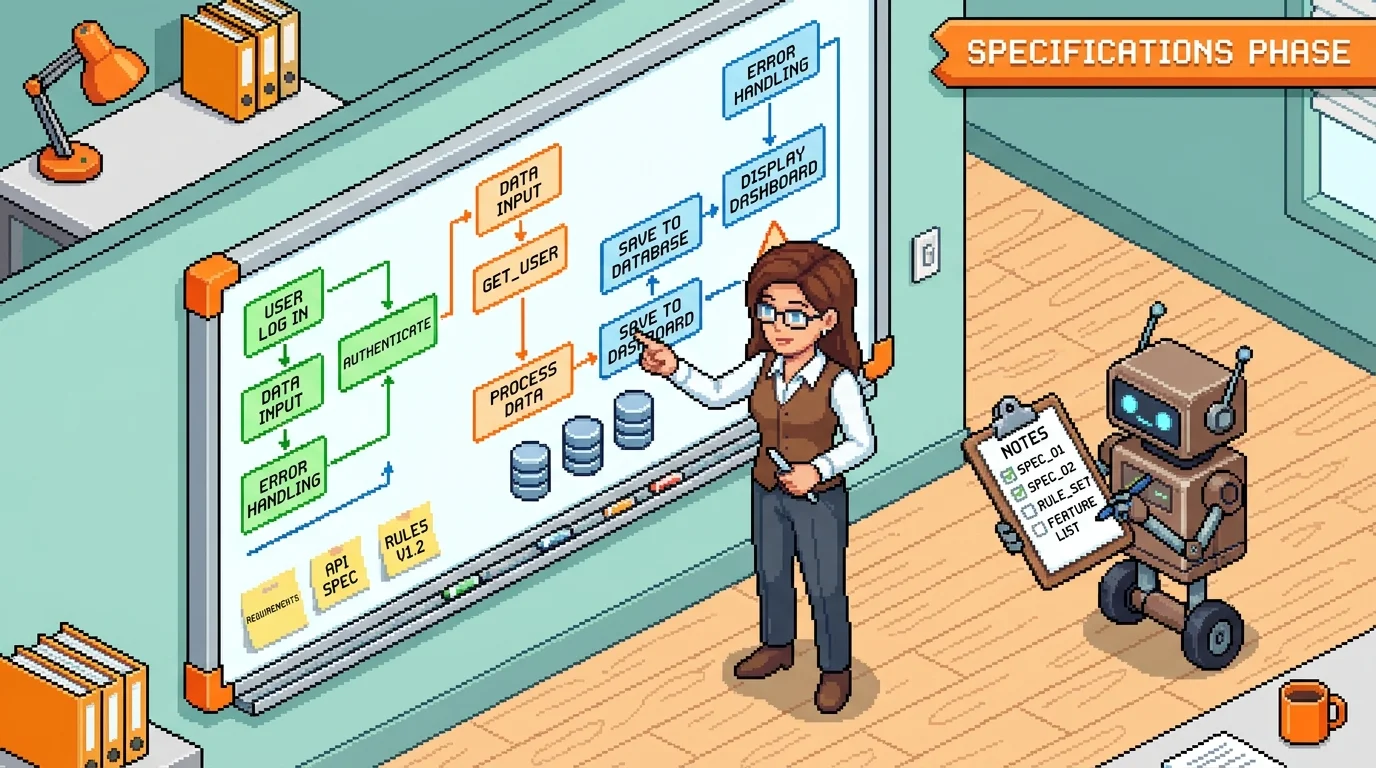
Phase 1: Specification and Cursor Rules (Days 1-2)
Before you write a single prompt to Cursor, spend 1-2 days writing a detailed product specification. This isn't bureaucracy—it's the difference between building in circles and shipping in days. Your spec should cover: core features (ranked by priority), user flows (who does what and why), database schema (what data you're storing), integrations needed (payment processing, authentication, APIs), and edge cases (what happens when something goes wrong).
Next, create a .cursorules file—a text document that tells Cursor how to write code specifically for your SaaS. This is "vibe coding for founders" in practice. Instead of explaining architecture every time, you write it once. Example rule: "Always use TypeScript for type safety. Store user preferences in a 'settings' table with userId and key-value pairs. For payment flows, validate amounts server-side before calling Stripe." When Cursor understands your preferences upfront, it generates code that fits your vision, not generic boilerplate.
The specification phase also forces you to validate your own thinking. You'll catch feature conflicts, realize what's actually essential versus nice-to-have, and build a roadmap that Cursor can follow without constant course corrections.
Phase 2: Building Core Features with Cursor (Days 3-5)
Now you're ready to prompt. The art here is breaking work into single, focused tasks. Don't ask Cursor to "build the entire user dashboard"—ask it to "create a dashboard component that displays user signup date, total credits used, and a bar chart of monthly activity." One task, clear success criteria, done.
Use context files strategically. If you have a database schema document, attach it so Cursor references it consistently. If you've written API documentation, include it. This prevents Cursor from inventing database fields or endpoint names that contradict what you've already specified.
Request database schema generation early. Let Cursor propose the schema based on your features, then refine it together. For integrations like Stripe or authentication, ask Cursor to scaffold the setup—it will generate boilerplate that you can review and adjust. Handle edge cases explicitly: "What happens if a user tries to access a feature they haven't paid for?" makes Cursor think about authorization, not just happy paths.
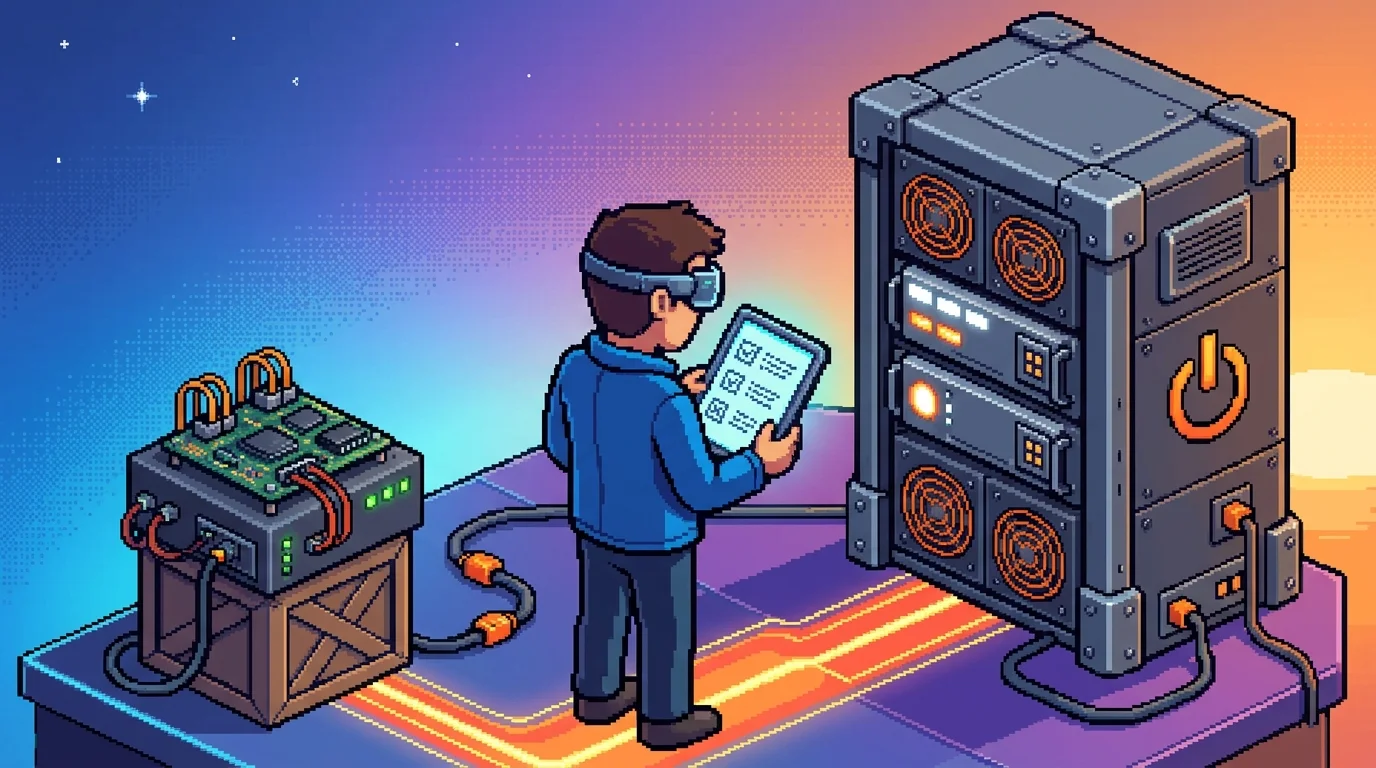
Phase 3: Testing, UI Polish, and Deployment (Days 6-7)
Use Cursor to identify and fix bugs systematically. Write test prompts: "Find all places where we're not validating user input before database writes." Cursor excels at this kind of code review. For UI polish, ask for specific improvements: "Make the payment form mobile-responsive and add loading states to all buttons."
This phase reveals the gap between "works" and "production-ready." You'll likely find yourself needing help with infrastructure, security hardening, or complex deployment configurations. This is where many founders realize that bringing in a technical partner—whether a co-founder or a development service—accelerates the final 20% significantly. The difference between a working prototype and a SaaS you can charge for often requires expertise beyond what Cursor can provide alone.
Bridging the Gap: From AI Prototype to Production Application
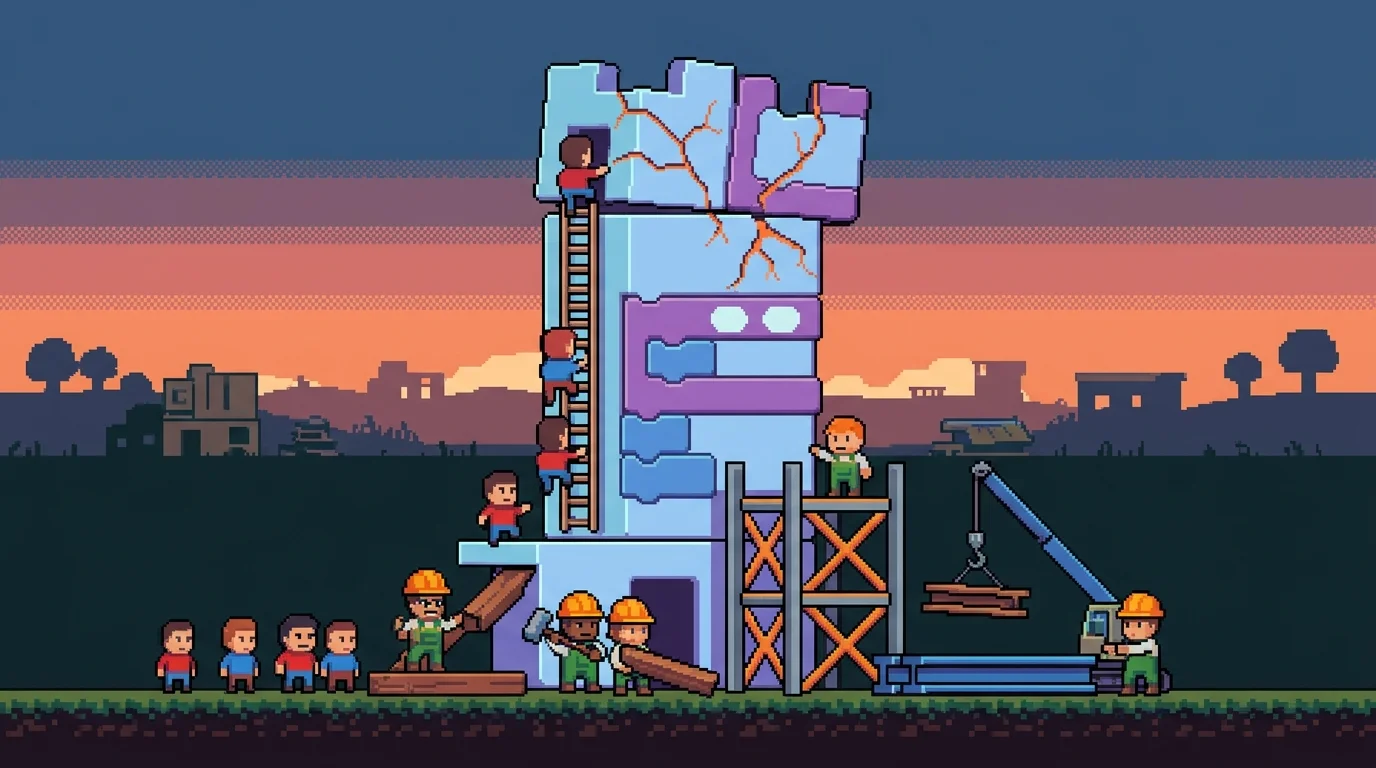
Cursor can generate a working prototype in days, but "working" and "production-ready" are not the same thing. A prototype that passes manual testing in your browser may crash under real user load, leak sensitive data, or fail silently when edge cases occur. This gap between demo and deployment is where many AI-assisted projects stall—and where founders realize that moving from prototype to a SaaS you can charge for requires expertise beyond what an AI coding assistant alone can provide.
Production-Readiness Checklist for Cursor-Built SaaS
Before launching to users, verify these eight critical areas:
Error handling & logging — Does the app gracefully handle network failures, database timeouts, and invalid user input? Are errors logged so you can debug production issues?
User authentication & authorization — Are passwords hashed? Can users only access their own data? Are API endpoints protected?
Payment processing security — Is sensitive payment data never stored locally? Are Stripe keys environment variables, not hardcoded?
Database backups & recovery — Can you restore data if something breaks? Is there a tested backup strategy?
Input validation — Does the app reject malformed requests before they reach the database?
API rate limiting — Can a single user or bot hammer your endpoints and crash the service?
Performance monitoring — Do you know which database queries are slow? Can you spot bottlenecks before users complain?
Security headers — Are CORS, CSP, and HTTPS configured correctly?
Deployment automation — Can you deploy safely without manual steps that introduce errors?
Documentation — Can someone else (or you, six months later) understand the codebase?
Cursor can help you build all of this, but it requires explicit prompts. Ask: "Add structured logging to every API endpoint" or "Write tests for payment failure scenarios." Without these conversations, Cursor defaults to happy-path code.
Common Pitfalls in AI-Generated SaaS Code
Hardcoded secrets and configuration. Cursor often generates code with API keys, database URLs, or environment settings baked into the source. This works locally but breaks in production and creates security vulnerabilities. Always move these to environment variables before deployment.
Missing input validation. AI models assume clean data. A user submits a negative price, a 10,000-character email, or SQL-like text in a name field—and Cursor's code doesn't catch it. The result: corrupted data, crashes, or injection attacks. Explicitly ask Cursor to validate every input before processing.
Inefficient database queries. Cursor generates queries that work but may load entire tables into memory or run N+1 queries in a loop. Your prototype handles 10 test records fine; your first 1,000 users grind it to a halt. Request code reviews: "Optimize all database queries for performance and add indexes where needed."
No error recovery. If a payment fails mid-transaction or a third-party API times out, Cursor's code often leaves the system in a broken state. Production code needs retry logic, transaction rollbacks, and graceful degradation.
Weak separation of concerns. Business logic, UI rendering, and database queries tangled together make the codebase fragile and hard to test. Ask Cursor to structure code with clear layers.
Missing monitoring and alerting. Your prototype works until it doesn't—and you won't know until a user complains. Production SaaS needs error tracking, uptime monitoring, and performance dashboards.
This is where many founders hit a wall. Cursor excels at velocity, but production hardening requires systematic thinking about failure modes, security, and scale. Services like Shipkit specialize in taking AI prototypes and transforming them into production-grade applications—handling the infrastructure, security, and operational complexity that turns a working demo into a SaaS you can confidently charge for and scale.
Practical Tips for Maximizing Cursor's Effectiveness on Your SaaS Build
Mastering the Prompt-to-App Workflow
The difference between a founder who ships with Cursor and one who gets stuck often comes down to how they communicate with the AI. Weak prompts sound like vague wishes: "Build me a user dashboard." Strong prompts are specific, task-focused, and acknowledge constraints: "Create a dashboard that shows the current user's subscription status, renewal date, and usage metrics. Display each metric in a card layout. Use Tailwind CSS. The data comes from a PostgreSQL table called subscriptions. Include error handling if the query fails."
The specificity matters because Cursor works best when you eliminate ambiguity. It doesn't know your business logic, your design system, or your database schema unless you tell it. This is what experienced builders call "vibe coding"—understanding that Cursor excels at velocity when you guide it toward concrete, bounded problems rather than abstract features.
Write one task at a time. Resist the temptation to ask Cursor to "build the entire payment flow with Stripe integration, email notifications, and webhook handling" in a single prompt. Break it into steps: first the Stripe integration, then test it, then add email, then webhooks. Each iteration lets you review the output, catch mistakes early, and adjust direction before compounding errors.
After you manually edit Cursor's code—and you will—update your .cursorules file to reflect those changes. This file acts as your custom instruction set, telling Cursor what patterns you prefer, what libraries you're using, and what mistakes to avoid. It's the difference between Cursor learning from your feedback and repeating the same errors.
Validating Your SaaS Idea Before You Build
Here's the hard truth: most founders spend weeks in Cursor building features for an idea nobody wants. Before you write a single prompt, validate that real people will pay for your solution. Talk to ten potential users. Ask them about their current workaround, what frustrates them, and whether they'd use your solution. Get three of them to commit to trying your MVP when it's ready. This isn't optional—it's insurance against wasted effort.
This validation step separates founders who launch products customers actually use from those who ship to silence. Once you have committed early users, you know exactly what to build. Your prompts become tighter. Cursor's output becomes more focused. You're not guessing at features; you're solving real problems. Validating your startup idea before development is the single highest-leverage activity a non-technical founder can do before touching any development tool.
The Discover-Action-Improve cycle keeps momentum alive: discover what Cursor built, test it against your spec, improve the prompt based on what didn't work, then iterate. This rhythm prevents you from shipping broken code and teaches Cursor your standards faster than any ruleset alone.
When You Need More Than Cursor: Knowing When to Bring in Expert Help
Cursor is a powerful tool for founders who want to move fast and own their code, but it's not a substitute for domain expertise in every scenario. The truth is simpler than it sounds: Cursor excels at translating your ideas into working code, but production systems demand more than working code. They demand reliability, security, scalability, and compliance—areas where AI-generated code often needs hardening by someone who has shipped products before.
Many successful SaaS founders follow the same pattern: they use Cursor to validate their concept, prove product-market fit with their first 100 users, then bring in expert help to scale. This isn't a failure of Cursor. It's a natural progression. You've proven the idea works. Now you need a partner who can turn a prototype into an enterprise-grade application without you having to learn DevOps, payment processing, or security architecture.
The transition from AI prototype to production app is where most founders hit friction. Your Cursor-built MVP might work beautifully in a demo, but when real users arrive—when you're processing payments, storing sensitive data, and handling 10x traffic—the gaps become obvious. Database queries slow down. The codebase becomes harder to modify without breaking things. Deployment becomes fragile. These aren't problems with Cursor; they're problems with the gap between "code that works" and "code that scales."
Red Flags That Your MVP Needs Professional Hardening
Watch for these warning signs that your Cursor-built application needs expert review and hardening before you scale:
Slow or unpredictable database queries — Your app works fine with 10 users but bogs down with 100. Cursor generates functional queries, not optimized ones.
Frequent crashes or unhandled errors — Edge cases weren't caught because you didn't anticipate them. Production code needs defensive programming that goes beyond what a prompt can capture.
Payment processing failures or inconsistencies — Stripe integrations, webhook handling, and reconciliation are complex. One bug here costs you money and trust.
Security concerns you can't verify — Is your authentication truly secure? Are secrets properly managed? Is your database protected? These require security expertise to audit.
Inability to add features without breaking existing ones — Your codebase lacks proper test coverage and architectural boundaries. Technical debt is already piling up.
Deployment issues or manual release processes — Every update feels risky. You don't have CI/CD pipelines, monitoring, or rollback strategies in place.
Regulatory compliance gaps — If you're handling health data (HIPAA), EU customer data (GDPR), or financial information, your Cursor-built code likely doesn't meet audit requirements.
When you see three or more of these, you've outgrown what Cursor alone can deliver. This is the moment to partner with a development team that understands how to take AI-generated prototypes and turn them into production-grade applications.
When Cursor Alone Isn't Enough: Common Scaling Scenarios
Complex payment integrations and compliance. Cursor can wire up a Stripe checkout, but handling subscriptions, dunning, tax compliance, and PCI requirements demands expertise. One misconfiguration costs you revenue or exposes you to liability.
Scaling beyond your first 100 users. Your database schema worked for testing. It won't work for thousands of concurrent users. You need someone who understands indexing, caching, query optimization, and infrastructure scaling—skills that don't emerge from prompts.
Advanced DevOps and infrastructure. Cursor won't design your deployment pipeline, set up monitoring, configure auto-scaling, or manage your cloud infrastructure. These are the invisible systems that keep your product running when you're sleeping.
Building a second product or major pivot. You've proven one idea. Now you want to ship a second product or pivot your business model. Cursor can help, but you need someone who can architect decisions that don't lock you into a corner.
Regulatory requirements. HIPAA, GDPR, SOC 2, CCPA—these aren't optional if you're handling sensitive data. Cursor can't audit itself. You need experts who have built compliant systems before.
This is where services like Shipkit fit into the founder journey. Rather than hiring a technical co-founder or building an internal team, you can partner with a product development service agency that specializes in taking Cursor-built MVPs and transforming them into scalable, secure, production-ready applications—while you retain 100% code ownership. The goal isn't to replace Cursor; it's to extend it. You've proven your concept works. Now you need the infrastructure and expertise to make it last.
Your Path to a Launched SaaS: Start with Cursor, Scale with Strategy
Building a SaaS with Cursor AI is genuinely achievable for non-technical founders—the tooling has matured dramatically. But success isn't about Cursor alone. It's about starting with a clear, validated idea, writing precise specifications, understanding where Cursor excels (rapid prototyping, feature iteration, boilerplate code) and where it hits walls (production infrastructure, security compliance, scalable architecture). The founders who ship are those who know when to ask for help.
Start building your MVP with Cursor. Get it in front of users. Validate that people actually want what you've built. Then make a strategic choice: scale independently by deepening your technical skills, or partner with experienced developers who can transform your prototype into a production-grade application while you retain complete code ownership. Both paths work—the difference is speed, risk, and what you want to focus on.
If you've built something with Cursor and now need to evolve it into a scalable, secure SaaS without losing control of your codebase, that's where expert product development services bridge the gap. You've proven the concept. Now you need the infrastructure and architecture expertise to make it last. Learn more about the real costs of scaling beyond MVP so you can plan your next phase with clarity.
Article FAQ
Practical next steps
Who is this startup guide for?
This guide is written for non-technical founders, operators, and small teams who need to make product decisions before hiring a full engineering team. It focuses on practical scope, cost, timeline, and execution trade-offs rather than abstract startup theory.
What should I do after reading this article?
Turn the idea into a small decision: validate the riskiest assumption, estimate the build scope, and decide whether the first version should be no-code, custom code, or a hybrid. Shipkit's free estimate and MVP scope builder can help you translate the article into a concrete plan.
Can Shipkit help implement this kind of product?
Yes. Shipkit helps founders turn validated ideas into fixed-scope MVPs, SaaS products, internal tools, marketplaces, and AI-enabled workflows. The best starting point is to get an estimate or compare your build path before committing budget.