Build a Customer Portal with Stripe Payments: Complete Guide for 2026
Alex
··11 min read
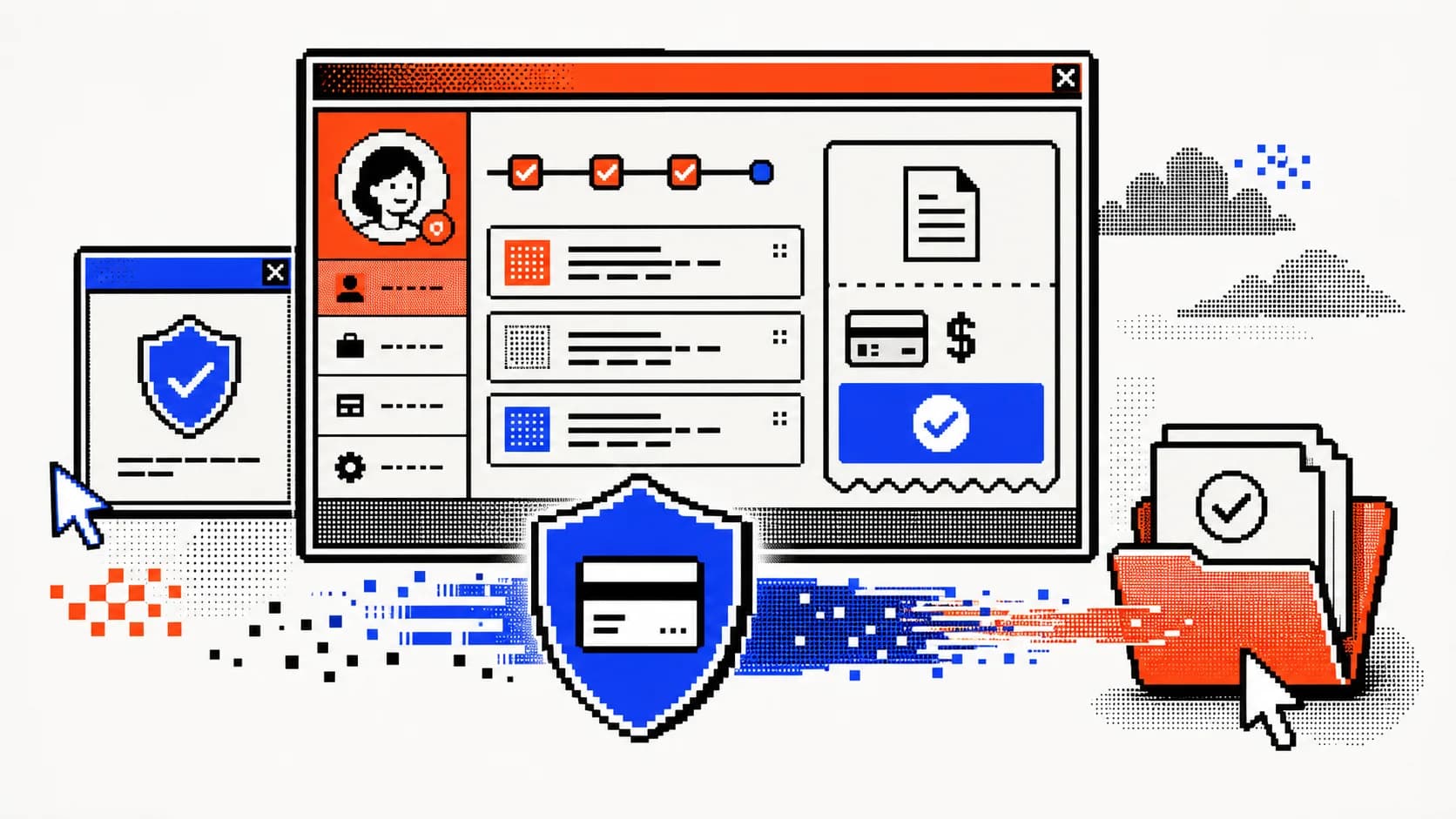
Today’s service businesses can’t afford to keep clients waiting. With expectations shifting toward instant access and autonomy, self-service portals are no longer optional—they’re a baseline for client satisfaction and operational efficiency. For agencies and consultants, offering a centralized hub where clients can view projects, manage billing, and access documents streamlines communication and reduces repetitive support requests. Integrated Stripe payments take it further, enabling seamless invoicing, subscriptions, and transaction tracking within a secure environment. This shift isn’t just about convenience; it’s about scaling without adding overhead.
Quick Answer: A customer portal with Stripe payments is a secure online hub where clients manage their accounts, view services, and pay invoices automatically. By 2026, these portals are essential for reducing support costs—businesses report up to a 63% drop in routine service tasks—and meeting rising demand for self-service, with 84% of teams adopting or planning such systems according to WeWeb.
This guide walks through building a full-featured portal tailored for service businesses, covering development strategy, core features, Stripe integration, and how to launch without technical expertise—ideal for founders exploring paths like customer portal development for service business growth.
Core Features of a High-Value Client Portal for Service Firms in 2026
A modern client portal for service-based businesses must do more than display static information—it should act as an autonomous extension of your operations. The right feature set reduces friction, accelerates time-to-value, and turns clients into active participants in the service lifecycle. For agencies, consultants, and B2B providers, these core components deliver the most impact.
Automated Billing & Subscription Management via Stripe
Clients expect full visibility and control over their financial commitments. A Stripe-powered portal lets users view upcoming and past invoices, adjust subscription tiers, and update payment methods without support intervention. Real-time synchronization ensures billing changes reflect instantly, reducing disputes and failed charges. This self-service model supports recurring revenue operations at scale—especially critical for firms managing retainers or tiered service packages. Founders building this functionality can refer to our guide on setting up Stripe subscriptions for your SaaS MVP for technical clarity.
Secure Document Exchange and e-Signatures
Replacing email chains with a centralized, access-controlled repository minimizes risk and miscommunication. Clients upload onboarding materials, download deliverables, and sign contracts—all within a compliant environment. Version tracking, expiration dates, and audit logs add governance, making this a true secure document portal for clients. Sensitive files never land in inboxes, and teams eliminate time spent chasing paperwork.
Client Onboarding Workflows and Task Tracking
Automated workflows guide new clients from kickoff to first value. Custom checklists, milestone deadlines, and task assignments keep both parties aligned. Notifications prompt action, reducing the need for manual follow-ups. This client onboarding portal for B2B companies turns a traditionally chaotic process into a predictable, repeatable system—shortening ramp time and improving retention.
A self-service portal empowers clients to manage billing, documents, and tasks independently
Why Stripe Is the Preferred Payment Backend for Client Portals
For service businesses building custom client portals, payment infrastructure isn’t just a feature—it’s the engine of recurring revenue and client retention. Stripe has emerged as the default choice for B2B and agency-focused applications, not because of marketing hype, but due to its mature API ecosystem, global scalability, and developer-first design that directly translates to faster time-to-market and fewer technical limitations.
Unlike fragmented or region-locked processors, Stripe operates in 46 fully supported countries and enables transactions in over 135 currencies, allowing agencies to serve international clients without payment friction. This global reach means a customer portal with Stripe payments can onboard clients from virtually any market, accepting local card networks, digital wallets, and bank transfers as supported payment methods. The platform’s compliance backbone—handling PSD2, SCA, and tax reporting—reduces legal overhead and operational risk.
Equally important is Stripe’s deep integration with modern development workflows. Its Billing and Customer Portal APIs allow teams to embed subscription management, invoice history, and payment method updates directly into a client-facing dashboard—without building backend logic from scratch. This native functionality slashes development effort, turning what used to take weeks into a plug-and-play implementation. Founders focused on launching a production-ready product quickly will find that Stripe’s consistency and documentation reduce debugging cycles and long-term maintenance.
For agencies and startups prioritizing speed and reliability, Stripe isn’t just a payment processor—it’s a strategic enabler. Those evaluating development paths can explore how this integration fits into broader MVP strategies, such as building a SaaS with Cursor AI for accelerated delivery.
Seamless Integration with Stripe Billing and Customer Portal API
Stripe’s native Customer Portal API lets clients update payment details, pause subscriptions, and view invoices without developer intervention. This self-service layer reduces support load and improves retention, while the underlying Billing API automates proration, dunning, and tax calculations. For teams building a client portal, this means core revenue operations are handled by a battle-tested system—not custom code that breaks under edge cases.
Global Payment Support and Currency Flexibility
With support for 135+ currencies and localized payment methods—from SEPA to iDEAL to Alipay—Stripe ensures international clients pay comfortably in their preferred way. Payouts consolidate into a single account, simplifying reconciliation. This flexibility is critical for agencies with cross-border clients, eliminating the need for multiple gateways or currency conversion workarounds.
The Stripe dashboard provides real-time insights into billing health and client payment behavior
Custom vs Off-the-Shelf: Choosing the Right Portal Strategy for Your Business
Deciding between a custom-built portal and an off-the-shelf solution comes down to your business goals, growth trajectory, and need for control. While SaaS portals offer speed, they often limit branding, workflow customization, and deep Stripe integration. A custom portal, built with tools like Stripe’s Billing and Customer Portal APIs, gives full ownership over user experience and backend logic—critical for service firms scaling across regions or managing complex billing models.
When to Build a Custom Portal with Stripe Integration
Choose custom development when you need branded workflows, multi-tier user roles, or advanced billing logic like usage-based pricing or prorated downgrades. If your service involves dynamic project tracking, custom invoicing rules, or compliance-sensitive data, a tailored solution ensures alignment with operations. Teams without technical expertise can still execute this path efficiently through fixed-scope development partners like Shipkit, avoiding the pitfalls of long-term code maintenance.
Evaluating Off-the-Shelf Portal Tools in 2026
White-label SaaS portals simplify setup and reduce initial engineering lift, but often fall short in flexibility. Many limit CSS customization, restrict API access to Stripe’s deeper features, or charge per client—eroding margins at scale. While tools like these can suffice for basic client communication and document sharing, they rarely support nuanced business rules or seamless payment recovery flows out of the box. For agencies serious about productized service delivery, these constraints become bottlenecks.
Cost Comparison: Custom Build vs SaaS vs Hybrid
Understanding total cost of ownership is essential when weighing options. Below is a breakdown of typical investment ranges:
Option
Setup Cost
Monthly Fees
Long-Term Maintenance
Custom Build
$20,000 – $150,000+
None (if fixed-scope)
Included in initial engagement
Off-the-Shelf SaaS
$0 – $5,000
$299 – $599/month
Ongoing feature limitations
Hybrid (SaaS + Custom)
$10,000 – $50,000
$99 – $299/month
Moderate (integration upkeep)
Custom development, while higher upfront, eliminates recurring per-user fees and aligns with long-term scalability. Founders should also factor in Stripe’s standard fees—2.9% + $0.30 per transaction and 0.7% of billing volume—regardless of portal type. For a realistic budget outlook, refer to our guide on fixed-price MVP development cost in 2026.
How to Build a Customer Portal with Stripe: A Step-by-Step Roadmap
Launching a production-ready customer portal with Stripe payments doesn’t require a technical cofounder—just a clear plan. Whether you’re building for a legal firm, accounting practice, or consulting agency, this roadmap ensures your portal supports secure access, recurring billing, and seamless client interactions from day one.
Step 1: Define MVP Features and User Journeys
Start by mapping core user flows: how will clients log in, view invoices, update payment methods, or access project updates? A law firm may prioritize document sharing and billing transparency, while a consulting business might focus on milestone tracking and service upgrades. Scope only what’s essential for launch—avoid feature creep. Use a startup app development estimate checklist to align must-haves with timeline and budget.
Step 2: Integrate Stripe Customer Portal API and Auth Flow
Enable self-service account management by embedding Stripe’s hosted Customer Portal. Connect it using Stripe’s API to sync customer records, subscriptions, and payment methods automatically. Implement secure authentication—OAuth or passwordless login—to protect sensitive data. Generate portal session links server-side so users are logged in seamlessly after signing into your app. This deep integration ensures clients never leave your ecosystem to manage billing.
Step 3: Design for Brand Consistency and UX Clarity
Your portal should feel like a native extension of your brand, not a third-party tool. Customize Stripe’s portal with your logo, colors, and domain (via CNAME) for white-labeled trust. Maintain consistent navigation, typography, and terminology across all pages. For service businesses, clarity is conversion—use plain language for billing terms and status updates to reduce support queries.
Step 4: Test, Launch, and Iterate Based on Feedback
Run end-to-end tests: simulate invoice generation, failed payments, and plan changes. Validate the user journey with real clients before going live. After launch, monitor support tickets and analytics to identify friction points—such as failed login attempts or abandoned payment updates. Iterate quickly with small improvements, then expand functionality based on usage patterns.
Transitioning from manual workflows to a self-service portal dramatically reduces operational friction
Client Portal vs CRM: Understanding the Key Differences in 2026
Confusion between client portals and CRMs is common—but in 2026, understanding their distinct roles is critical for building an efficient service business stack. A CRM (Customer Relationship Management) system is designed for internal use, helping teams track leads, manage sales pipelines, log client interactions, and coordinate outreach. It’s the operational hub for your go-to-market functions, not something clients typically access. In contrast, a self-service portal for customers acts as a secure, branded gateway where clients view project status, update billing details, access contracts, and submit requests—without relying on your team for every action.
These tools aren’t interchangeable; they’re complementary. While your CRM keeps your team aligned, the client portal reduces friction in the customer experience. For consultants and service providers, a dedicated client portal for consultants enhances transparency and trust by giving clients real-time access to deliverables and invoices. According to a FuseBase report, while most customers expect self-service options, only a small fraction of issues are fully resolved without human support—proving portals should streamline, not replace, client touchpoints.
What a CRM Does (and Doesn't Do) for Client Management
A CRM excels at organizing internal workflows: tracking deal stages, storing contact histories, automating email sequences, and forecasting revenue. It’s invaluable for scaling sales and support operations. However, it doesn’t offer clients direct access to their data or billing—its interface isn’t built for external use, nor does it support secure document sharing or automated invoice updates.
Where a Customer Portal Adds Unique Value
A client portal closes the gap by empowering customers with autonomy. Features like real-time billing visibility, document repositories, and service request forms reduce repetitive inquiries and accelerate resolution times. Unlike a CRM, it’s designed for external engagement, reinforcing professionalism and reliability at every touchpoint.
CRMs serve internal teams; client portals serve customers—both are essential but serve different purposes
Final Thoughts on Launching a Stripe-Powered Customer Portal in 2026
A well-executed customer portal is no longer a luxury—it's a strategic lever for service businesses aiming to scale efficiently. By integrating Stripe, you gain more than payments; you unlock automated billing, subscription management, and global payout capabilities that future-proof your operations. The decision to build a custom solution should hinge on your need for tailored workflows and long-term ownership, not just speed. While off-the-shelf tools offer quick setup, they often limit differentiation and integration depth. For founders navigating how to build a client portal for your business, the path forward is clear: prioritize user autonomy, seamless payment experiences, and scalable architecture. As automation reshapes client expectations, portals will evolve into intelligent hubs that anticipate needs and reduce friction. To explore a structured approach to building these systems without technical overhead, see our guide on customer portal development for service business growth.
Article FAQ
Practical next steps
Who is this startup guide for?
This guide is written for non-technical founders, operators, and small teams who need to make product decisions before hiring a full engineering team. It focuses on practical scope, cost, timeline, and execution trade-offs rather than abstract startup theory.
What should I do after reading this article?
Turn the idea into a small decision: validate the riskiest assumption, estimate the build scope, and decide whether the first version should be no-code, custom code, or a hybrid. Shipkit's free estimate and MVP scope builder can help you translate the article into a concrete plan.
Can Shipkit help implement this kind of product?
Yes. Shipkit helps founders turn validated ideas into fixed-scope MVPs, SaaS products, internal tools, marketplaces, and AI-enabled workflows. The best starting point is to get an estimate or compare your build path before committing budget.