Building a Customer Portal for Service Businesses: Essential Features and Development Strategy
Alex
··12 min read
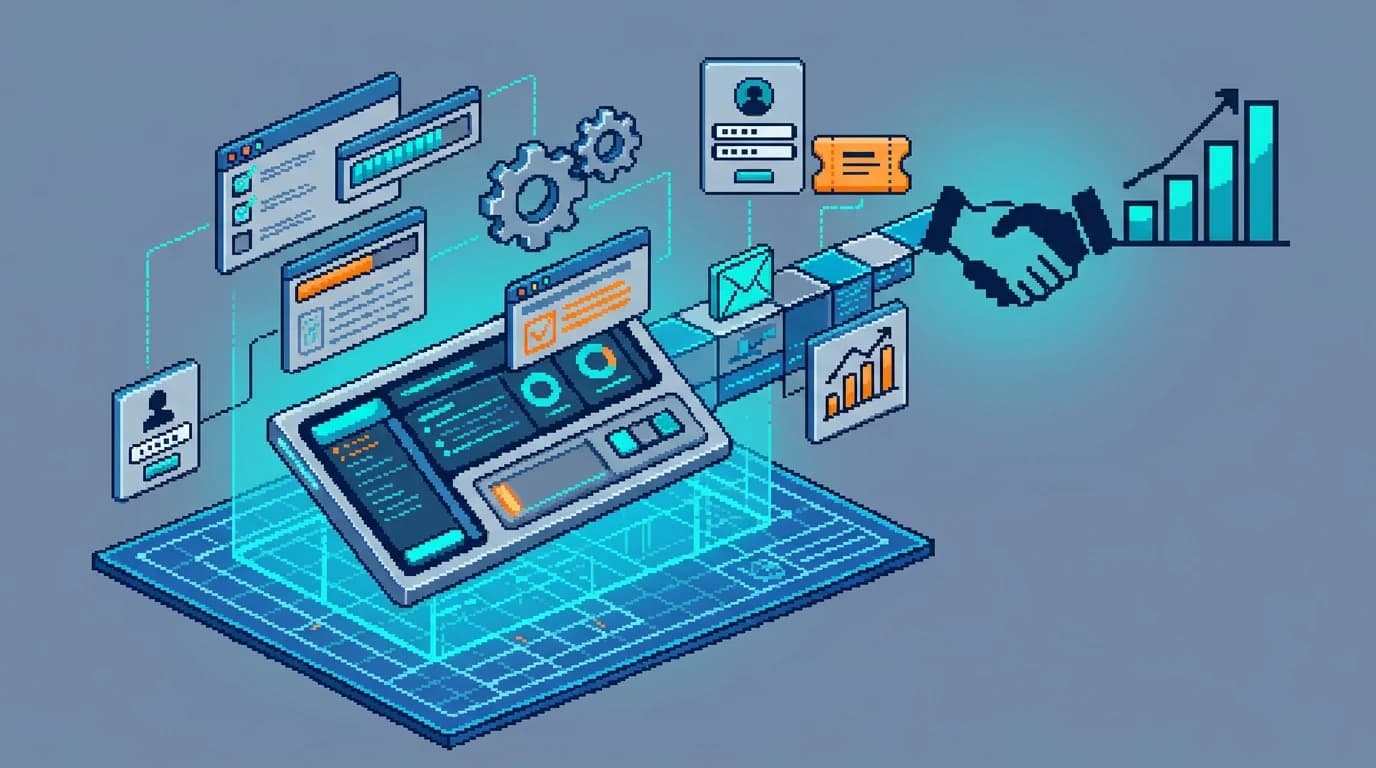
A customer portal is a dedicated online space where your clients can manage their accounts, access services, track progress, and resolve issues without contacting your team directly. For service businesses—whether you're running an agency, consulting firm, or professional services company—this isn't a luxury feature anymore. It's the operational backbone that separates businesses scaling smoothly from those drowning in support tickets.
Quick Answer: A customer portal is a self-service platform where clients independently manage accounts, access deliverables, submit requests, and track project status. Service businesses need one in 2026 because they cut support costs by 25%, reduce response times dramatically, and improve client satisfaction by giving customers control over their own experience.
The shift is already happening. According to research from Klaviyo, 84% of customer service teams have or plan to implement a self-serve customer portal by 2026. But adoption numbers only tell half the story—the real value lies in what portals actually do for your business.
When your consultants spend two hours daily answering "Where's my project?" emails, that's not customer service excellence—that's operational inefficiency. A self-service portal transforms this dynamic. Clients get instant visibility into their work, submit feedback asynchronously, and access documents without the friction of email chains. Your team reclaims focus for high-value work: strategy, delivery, and growth. Self-service portals can deliver up to 300% ROI through automation and cost reduction, fundamentally changing how service teams operate.
This article walks you through building a customer portal that actually works: the essential features your clients expect, the development strategy that gets you live quickly, and the integrations that tie everything together. Whether you're a solopreneur or managing a team of consultants, you'll learn what matters most.
Core Features Every Service Business Portal Must Include
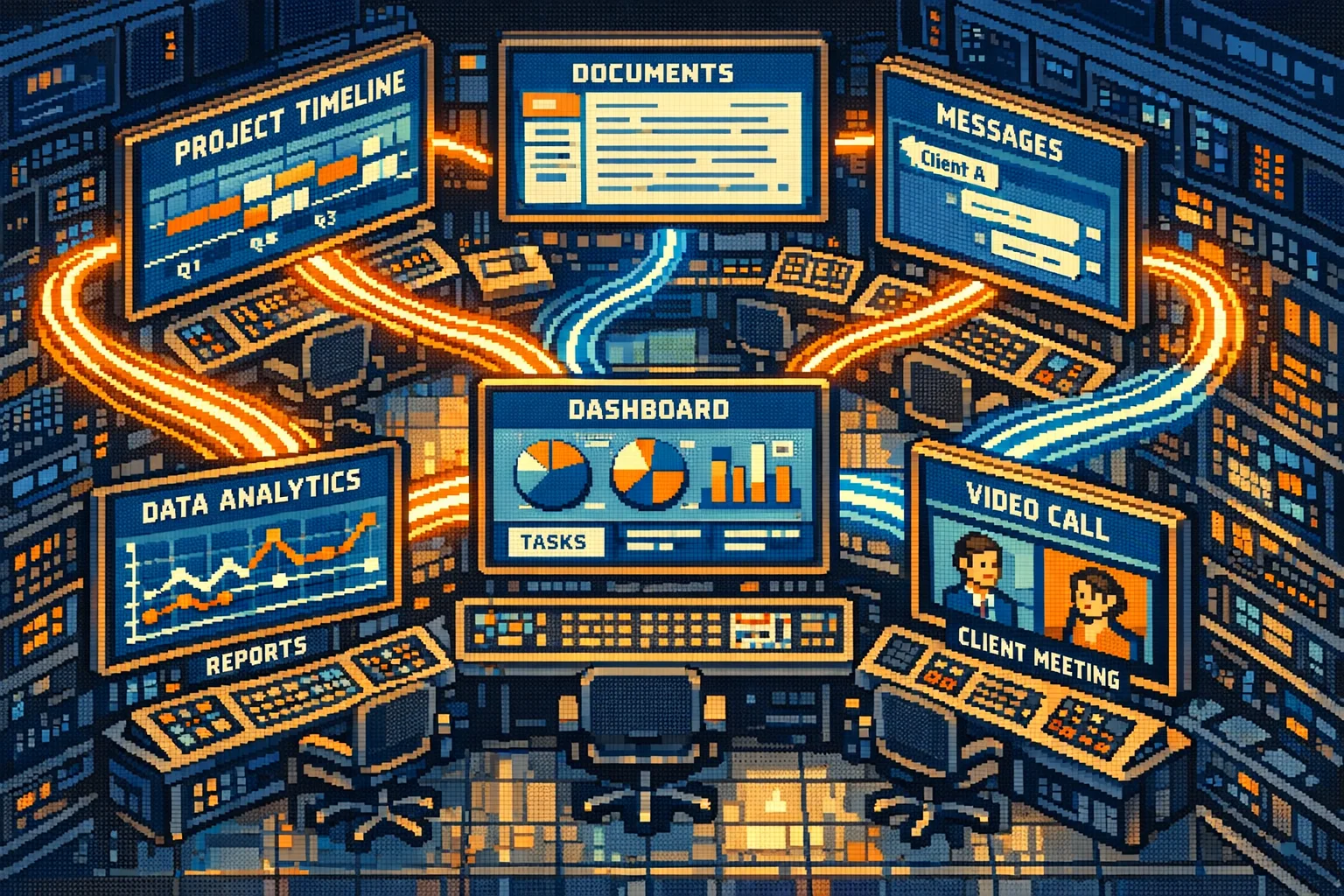
A successful customer portal for service businesses isn't just a login screen with a dashboard—it's a streamlined command center for client collaboration. To meet rising expectations (70% of customers now expect self-service access), your portal must deliver immediate value through four core functionalities.
1. Client Onboarding Portal for B2B Companies Automated onboarding reduces setup time and sets professional expectations. Include digital intake forms, contract signing, and payment setup—all within the portal. This eliminates back-and-forth emails and accelerates time-to-value, a critical factor for service delivery momentum.
2. Real-Time Project Tracking Clients want visibility, not status meetings. A live progress tracker with milestones, task completion, and estimated timelines keeps them informed without requiring manual updates. This transparency builds trust and reduces repetitive "Where are we?" inquiries—freeing up 63% of service teams' time for higher-level work.
3. Centralized Document Management Replace scattered email attachments with a secure, version-controlled repository. Clients should access deliverables, briefs, and feedback history in one place. This ensures alignment, reduces errors from outdated files, and supports asynchronous workflows—especially critical for distributed teams.
4. Integrated Communication Tools Embed threaded messaging or feedback loops directly within project contexts. Instead of lost email chains, clients comment on specific deliverables, and your team responds in real time. This creates a permanent, searchable record of decisions and approvals.
These features form the foundation of a functional customer portal MVP. When built cohesively, they transform client relationships from reactive to proactive. For founders validating their service model, a well-structured portal can even serve as a prototype—similar to how converting Google Sheets into web apps helps de-risk early-stage development.
Custom Development vs. Off-the-Shelf Portal Solutions
The build-versus-buy decision for a client portal hinges on three variables: your budget, timeline, and how tightly the solution must fit your specific workflows. Neither path is universally "correct"—the right choice depends on where your service business sits on the spectrum between speed and customization.
Off-the-shelf portal software gets you live faster. Subscription costs typically range from $50 to $500+ per month depending on features and user count, making the financial barrier low. You're operational in weeks, not months. The trade-off is inflexibility. Most platforms force you into their data model, communication style, and reporting structure. If your clients expect a white-label client portal that mirrors your brand exactly—custom colors, workflows, integrations—off-the-shelf tools often require workarounds or expensive add-ons. They work well for service businesses with standard needs: project tracking, file sharing, time tracking. But if your service model is unusual or your clients demand deep integration with your existing systems, you'll spend months customizing anyway, eroding the speed advantage.
Custom development costs significantly more upfront. According to GoodFirms research, custom software development for small to mid-scale projects ranges between $30,000 and $200,000, with 66% of companies falling in the $30,000–$100,000 range. You'll wait 8–16 weeks for a production-ready portal. But you own the code, control every feature, and build exactly what your clients need. Custom solutions scale with your business—adding new workflows doesn't mean renegotiating vendor contracts. For founders building a service business that will eventually become a product itself, custom development can serve double duty: it's both your operational tool and your prototype.
Factor
Off-the-Shelf
Custom Development
Time to Launch
2–4 weeks
8–16 weeks
Monthly Cost
$50–$500+
$0 (one-time $30K–$200K)
Customization
Limited; vendor-dependent
Unlimited; you decide
Maintenance
Vendor handles updates
Your responsibility
White-Label Capability
Difficult, often costly
Native to the build
Integration Flexibility
API-dependent
Full control
When to choose off-the-shelf: You're validating a service model, your workflows are standard, and you need to prove concept quickly. Budget is tight, and you'd rather spend $300/month than $50K upfront.
When to choose custom: Your service model is differentiated, you plan to scale significantly, or you're building toward a productized offering. You have the budget and can wait 3–4 months for launch. You also want to avoid vendor lock-in—critical if your portal becomes core to your competitive advantage.
Many founders split the difference: launch with an off-the-shelf tool to validate client needs, then migrate to a custom solution once you've proven the business model. This mirrors how converting Google Sheets into web apps works as a stepping stone—rapid validation before engineering-intensive builds.
Security, Compliance, and Data Protection for Client Portals
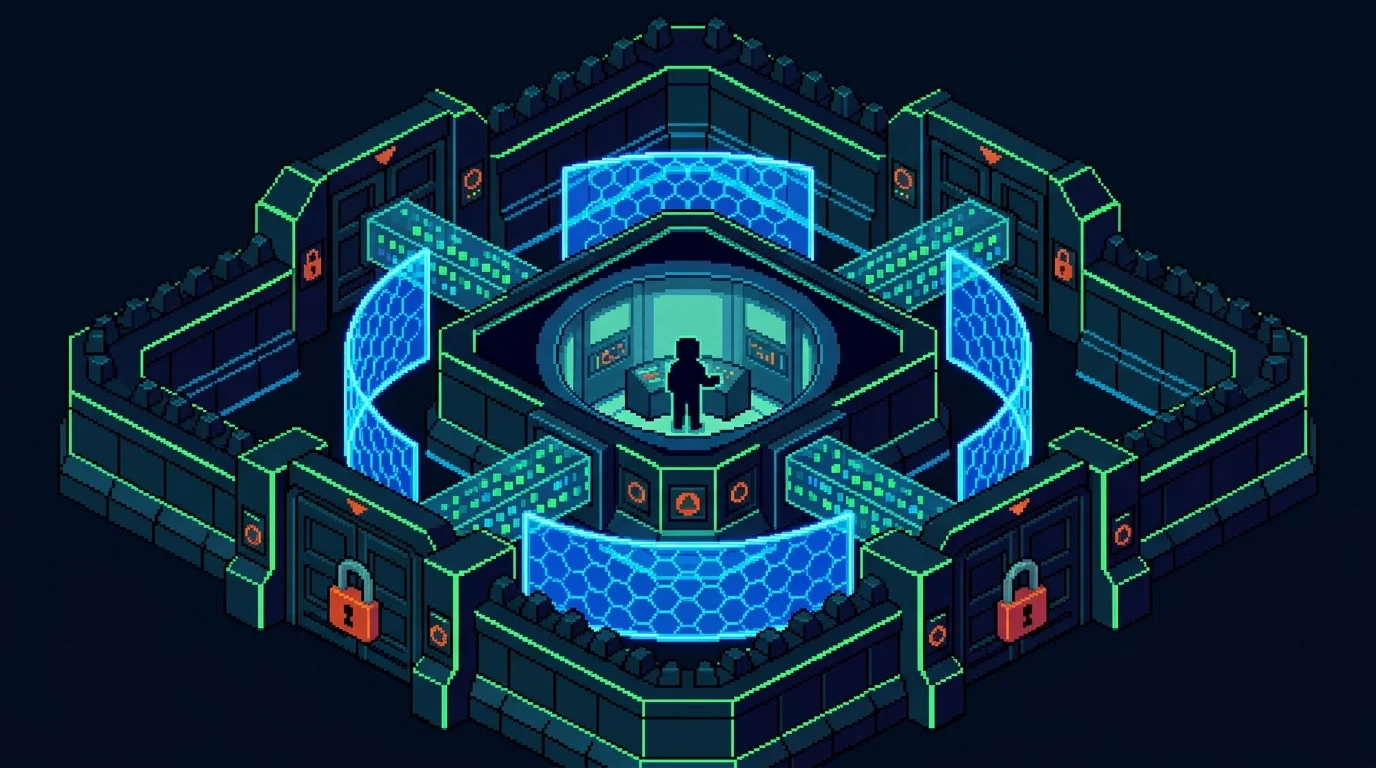
Security isn't a feature you add after launch—it's the foundation your portal must be built on. When clients trust you with sensitive documents, financial records, or confidential case files, a breach doesn't just cost money; it destroys your reputation and violates the legal obligations you've made to them. This is especially critical for legal, accounting, and healthcare service businesses, where client data protection is non-negotiable.
Encryption and Access Control
Every piece of data transmitted to and from your portal must be encrypted in transit (using TLS/SSL) and at rest (using AES-256 or equivalent). Beyond encryption, implement role-based access control (RBAC)—meaning a junior accountant shouldn't see what a senior partner can access, and clients should only view their own files. Multi-factor authentication (MFA) should be mandatory for all users, not optional. These controls prevent unauthorized access even if a password is compromised.
Audit Logs and Compliance Standards
A secure document portal for clients requires complete audit trails: who accessed what, when, and from where. This isn't just defensive; it's often legally required. SOC 2 compliance, for instance, ranges from $25,000 to over $200,000 in first-year costs depending on your organization size, but it signals to clients that you take security seriously. HIPAA applies if you handle healthcare data; GDPR applies if your clients are in Europe. For legal and accounting firms, these aren't optional—they're table stakes.
Why This Matters
The average data breach costs organizations $4.88 million when accounting for downtime, litigation, and mandatory upgrades. More immediately, 88% of consumers worry about how businesses handle their data. A portal built with security-first architecture becomes a competitive advantage, not just a compliance checkbox. When you build a custom portal rather than rely on vendor solutions, you maintain full control over these security decisions—critical if your portal becomes core to how clients perceive your professionalism and trustworthiness.
Integration Strategy: Connecting Your Portal to Existing Business Systems
A standalone portal is a liability, not an asset. The moment your client logs in to check project status, but that data hasn't synced with your project management tool—or worse, contradicts what your CRM shows—you've created confusion instead of clarity. Integration is where most portal projects fail, not because the technology is hard, but because teams underestimate how many systems need to talk to each other.
Your portal and CRM serve fundamentally different purposes. A CRM tracks your relationship with the client—sales pipeline, communication history, contract terms. A portal gives clients their own view—project timelines, deliverables, invoices, support tickets. They're not competitors; they're complementary. But when they're disconnected, you're manually copying data between systems, introducing errors, and wasting hours every week.
The integration framework starts with mapping your critical data flows: which information must sync in real-time (payments, project updates) versus what can sync daily (usage reports, billing cycles). Payment processors need instant two-way communication—a client shouldn't see a pending invoice in the portal while your accounting software already marked it paid. Project management tools need to push status updates automatically so clients always see current timelines. CRM data should flow one direction: client contact information and preferences into the portal, but not the reverse.
Common pitfalls emerge quickly. APIs change without warning; vendors deprecate endpoints. You build integration to Stripe, but then realize your accountant uses QuickBooks, which doesn't sync with Stripe the way you expected. The portal becomes a data silo again. Budget 15–20% of your total portal cost for integration work and ongoing maintenance. When evaluating whether to build custom versus buy off-the-shelf solutions, integration flexibility should weigh heavily—a custom-built portal gives you control over which systems connect and how deeply, while pre-built platforms lock you into their ecosystem.
Start with your three most critical systems. Integrate those first, test thoroughly, then expand. A portal that syncs perfectly with your payment processor and project tool is infinitely more valuable than one that attempts to connect to seven systems and fails at all of them.
Portal Implementation: From Planning to Launch and Beyond
Building a customer portal isn't a single event—it's a phased process that demands clarity on objectives before a single line of code gets written. Start by defining what success looks like for your business. Are you reducing support tickets by 40%? Cutting onboarding time in half? Improving client retention? These metrics become your north star throughout development and your measure of ROI post-launch.
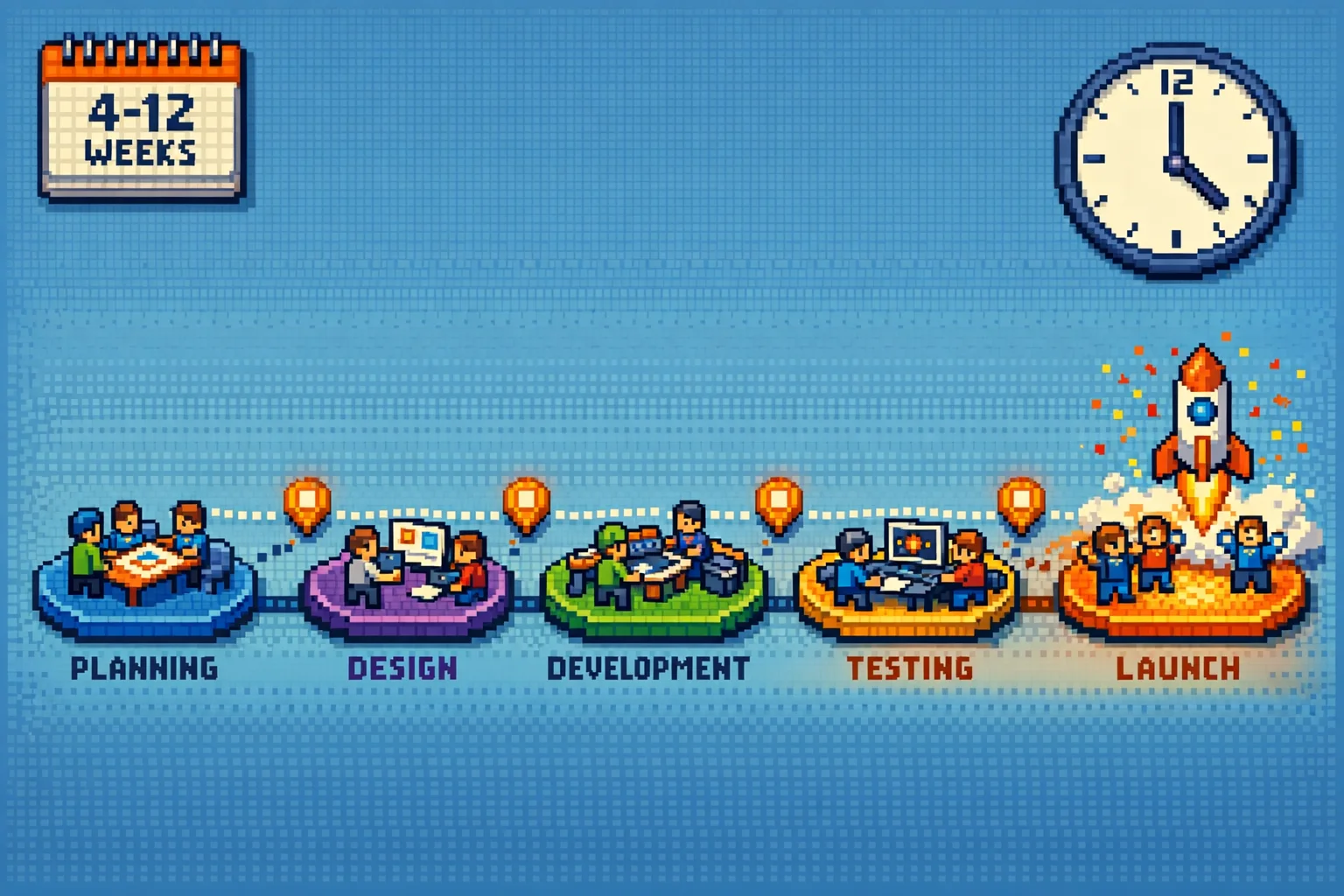
The timeline for portal implementation varies significantly based on your approach. A custom-built MVP portal typically launches in 4 weeks when you partner with an experienced development team that handles the full stack—authentication, database design, integrations, and deployment. Low-code platforms compress this to 2–3 weeks but sacrifice flexibility. More complex portals with advanced features, multiple integrations, and custom workflows can stretch to 8–12 weeks. The key is starting with your core feature set: user authentication, a dashboard showing key metrics, and one critical integration (usually your billing system or project management tool). Everything else is iteration.
Resource requirements depend on your build method. A custom development team needs a product manager, backend engineer, frontend engineer, and QA specialist working in parallel. Low-code solutions require fewer hands but demand someone on your team who understands your business logic deeply enough to configure workflows without coding. Budget 15–20% of your total portal cost for integration work and ongoing maintenance—this is where most projects hemorrhage time and money.
Change management determines whether your portal succeeds or becomes shelf-ware. Train your support team first; they'll become your champions when clients struggle with adoption. According to research on portal implementation, companies typically see adoption reach 60–70% by month three, with most time savings becoming obvious in months four through six. Start with a soft launch to a subset of power users, gather feedback, refine, then roll out broadly. Communicate the "why" relentlessly—clients need to understand what problem the portal solves for them, not just that it exists.
Common pitfalls emerge fast: underestimating integration complexity, launching with too many features (causing user confusion), and failing to monitor actual usage patterns post-launch. Track which portal features clients actually use versus which you built but nobody touches. That data shapes your roadmap for the next six months.
Launching Your Service Business Portal: Key Decisions and Next Steps
Before committing budget and timeline to portal development, you need clarity on five non-negotiable decisions. First, answer whether you're building custom or buying off-the-shelf. Custom development gives you complete control and code ownership—critical if your service workflows are unique or you plan to evolve the portal as your business scales. Off-the-shelf solutions launch faster but force your processes into their mold, often requiring workarounds that frustrate both your team and clients.
Second, define your integration scope ruthlessly. Don't try to connect everything on day one. Prioritize the systems that directly impact client experience: your CRM, project management tool, and billing platform. Integration complexity is where most portal projects derail, so budget 15–20% of total development cost for this work alone.
Third, audit your security and compliance requirements upfront. If you handle regulated data (healthcare, finance, legal), your portal isn't optional—it's a compliance requirement. Know your obligations before design begins, not after launch.
Fourth, establish a realistic timeline. Custom portals typically take 8–12 weeks from specification to production. Off-the-shelf solutions might launch in 2–3 weeks but require months of configuration.
Finally, plan your change management strategy. Portal adoption depends entirely on user training and clear communication about why it exists. Your support team becomes your strongest advocate here.
Pre-launch checklist: Which client workflows cause the most support tickets? Which features will your team actually use post-launch? What's your budget for integration and ongoing maintenance? How will you measure success beyond "it's live"?
If you're a service business founder without a technical team, building a custom portal designed for your specific workflows ensures you own the code and avoid vendor lock-in. That's where specialized product development partners come in—handling the specification, integration, and deployment so you focus on serving clients.
Article FAQ
Practical next steps
Who is this startup guide for?
This guide is written for non-technical founders, operators, and small teams who need to make product decisions before hiring a full engineering team. It focuses on practical scope, cost, timeline, and execution trade-offs rather than abstract startup theory.
What should I do after reading this article?
Turn the idea into a small decision: validate the riskiest assumption, estimate the build scope, and decide whether the first version should be no-code, custom code, or a hybrid. Shipkit's free estimate and MVP scope builder can help you translate the article into a concrete plan.
Can Shipkit help implement this kind of product?
Yes. Shipkit helps founders turn validated ideas into fixed-scope MVPs, SaaS products, internal tools, marketplaces, and AI-enabled workflows. The best starting point is to get an estimate or compare your build path before committing budget.