Client Portal vs CRM: Which One Fits Your Service Business?
Alex
··11 min read
Service agencies constantly face a critical choice: managing clients and sales with the right tools. While client portals and CRMs sound interchangeable, they're fundamentally different systems solving different problems. A CRM tracks your internal sales pipeline and customer relationships, whereas a client portal creates a dedicated space where clients manage their own work—accessing projects, sharing files, and communicating transparently. This distinction matters enormously for service businesses planning to scale.
The tools serve opposite audiences: CRMs live inside your company, helping your team manage opportunities and customer data. Client portals live outside, giving your clients visibility and control. Whether you're running a product development service agency or consulting with multiple stakeholders, having clarity on these differences prevents costly mistakes. Many agencies ultimately use both—not as alternatives, but as complementary systems.
Quick Answer: A CRM (Customer Relationship Management) system is designed to manage your internal sales pipeline and customer data, while a client portal is a dedicated space where clients can view projects, share files, and communicate with your team. Many service agencies benefit from using both tools together.
This article breaks down what each tool actually does, where they overlap, and which fits your business model best.
Core Differences: What a CRM Does vs. What a Client Portal Provides
If the comparison below lands on the portal side, see how our customer portal development service replaces the endless status emails with a login your clients use themselves.
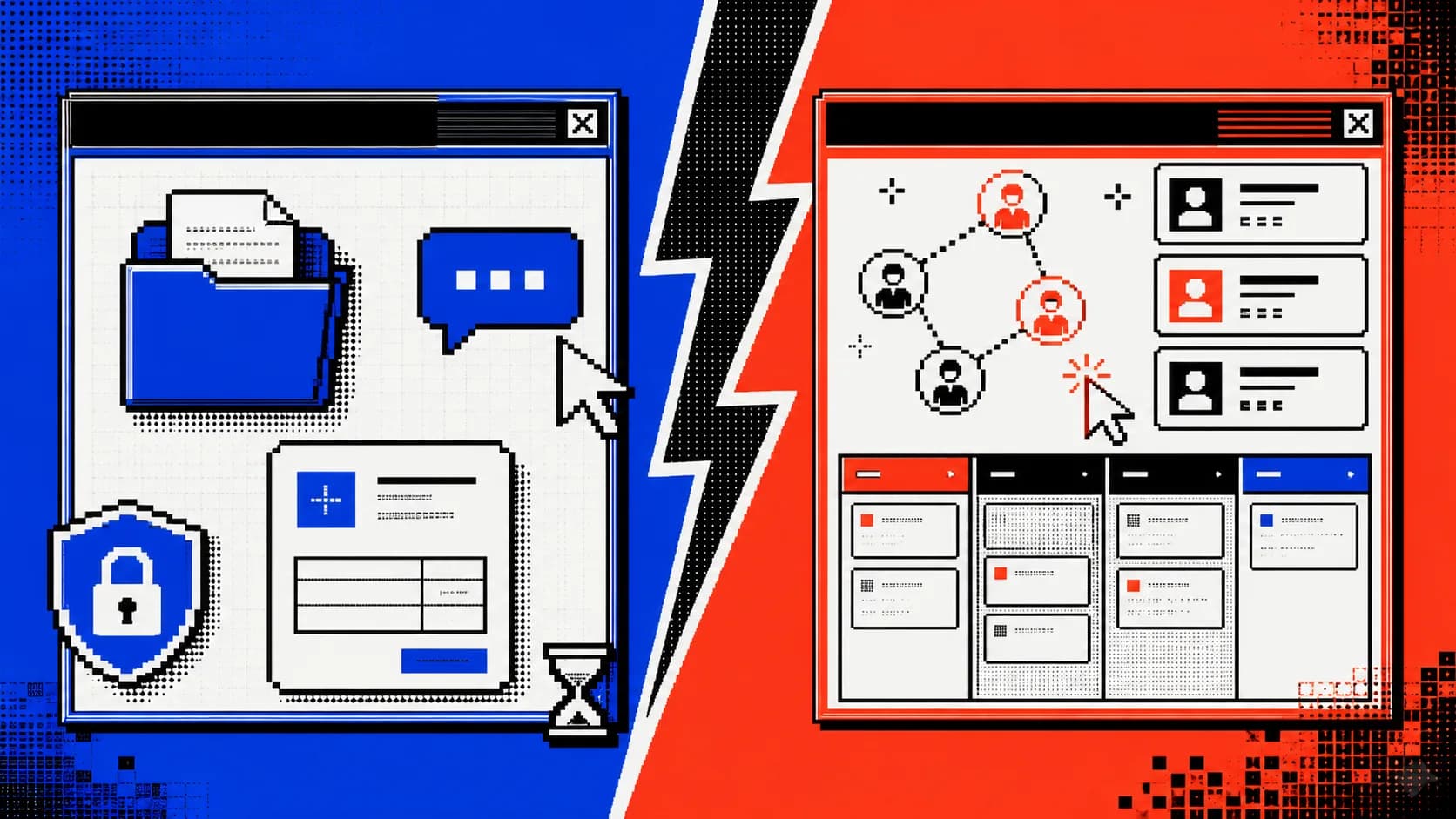
The divide between internal operations (CRM) and external client experience (Portal).
A CRM sits at the center of your internal operations. It's designed for your team—sales reps, project managers, executives—to track every interaction with prospects and clients, manage pipelines, automate follow-up workflows, and store customer history. According to research from DesignRush, 91% of companies with 10 or more employees use a CRM system, reflecting how critical these tools have become for managing business operations at scale. CRMs answer questions your team asks: Which leads are hot? Who do we need to follow up with? What's our revenue forecast? They're introspective—data flows inward to help you run your business better.
A client portal flips this perspective entirely. It's external-facing software built for your clients—not your team. Instead of managing leads, it manages client autonomy. A secure document portal for clients allows them to access project files, review progress, submit requests, and communicate without drowning in email threads. The best client portals include features like real-time project visibility, automated status updates, file sharing with version control, integrated messaging, and payment visibility. When you build a customer portal for your service business, you're essentially creating a self-service environment that reduces support tickets, improves transparency, and frees your team from constant status-update meetings.
The philosophical difference is this: CRMs optimize your internal efficiency. Portals optimize client experience. CRMs ask "How do we manage relationships?" Portals ask "How do we let clients manage themselves?" For a product development service agency managing multiple stakeholder projects, this distinction is critical. A secure, intuitive portal means founders and stakeholders can check project status at 2 AM without pinging you—and your team spends less time context-switching. They're different tools solving different problems, which is precisely why the strongest service businesses use both.
When to Use a CRM vs. a Client Portal: Use Cases for Service Agencies
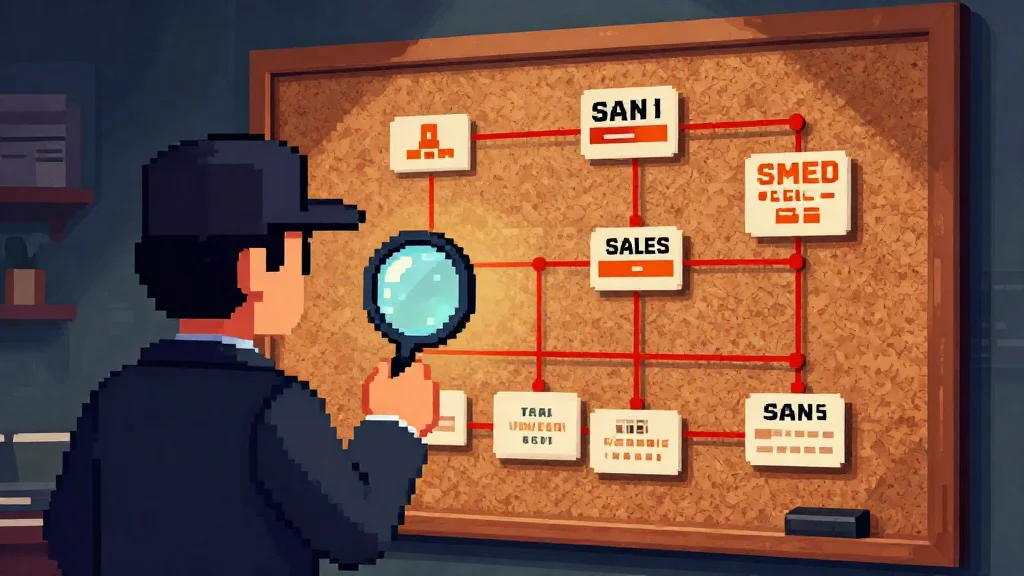
CRMs provide the investigative focus needed to track complex sales cycles.
The distinction between these tools becomes clearer when you examine what each one solves in practice. Your agency's specific model, team structure, and client expectations will determine which tool takes priority—or whether you need both working in tandem.
When Your Agency Needs a CRM
A CRM becomes essential the moment you're juggling multiple prospective clients, complex sales cycles, or team handoffs. If your agency regularly manages 10+ active opportunities, tracks who spoke to which prospect last week, or needs to forecast revenue three months out, a CRM gives you the backbone for that operation.
CRM systems excel at pipeline visibility. You see which prospects are qualified, which are stuck in proposal review, and which need a follow-up call. Team members can hand off clients without losing context because every interaction—calls, emails, meetings—lives in one searchable record. For agencies with distributed teams across time zones, this centralization prevents deals from slipping through cracks.
Additionally, CRMs generate the internal reports your leadership team needs: win rates, sales cycle length, customer acquisition cost. They support lead nurturing workflows, ensuring no prospect gets forgotten. Businesses using CRM systems see about 27% higher customer retention by keeping all customer data in one place, though it's worth noting that 20-70% of CRM projects fail, primarily due to poor user adoption and integration challenges.
When a Client Portal Becomes Essential
A client portal for agencies becomes critical when you need to reduce support friction and improve client autonomy. Founders and stakeholders don't want to email for status updates; they want to log in and see their project status, review deliverables, and track progress in real time. Portals are essential when clients expect transparency, need file access controls, or require approval workflows to move projects forward.
Client onboarding portals for B2B companies also reduce support tickets significantly. Instead of answering "Where's my project?" five times a day, your team documents status updates once. Clients get 24/7 visibility without pinging you.
Using Both Together: The Hybrid Approach
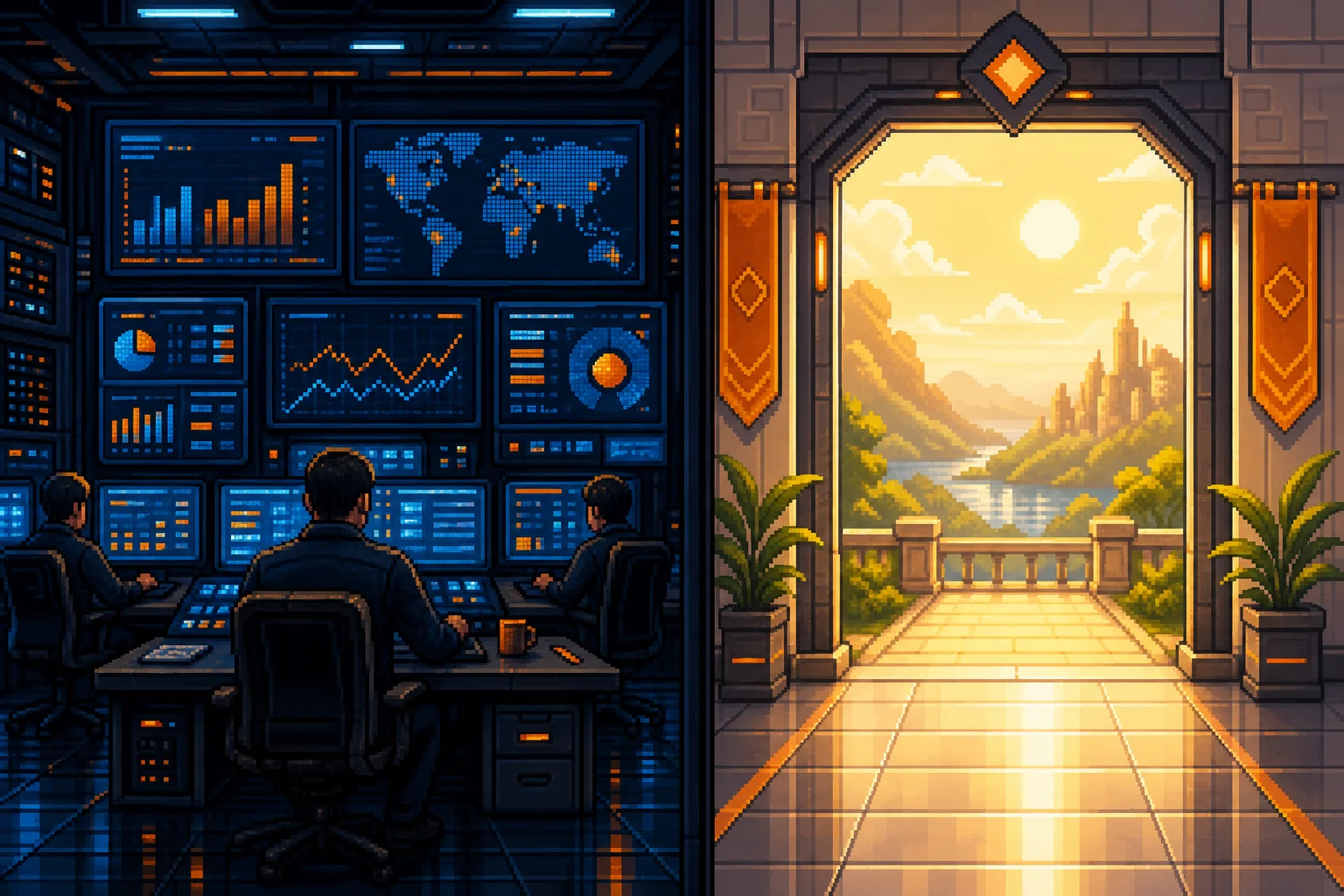
The hybrid approach connects internal operations with external client experience.
The strongest agencies run both systems—CRM managing internal operations and a client portal handling client-facing interactions. Your sales team uses the CRM to nurture leads; your delivery team uses the portal to keep clients engaged. Data flows between them: when a prospect converts, they move into the portal. When a project needs attention, CRM alerts ensure internal accountability.
This hybrid model separates internal complexity from client experience, letting each tool do what it does best. For product development agencies managing multiple stakeholders, this separation is practical, not luxurious.
CRMs With a Client Portal Built In
Between running two systems and building one, there is a third option worth pricing first: a CRM with client portal functionality built in. Several products ship both halves under one subscription.
Flowlu, Hello Bonsai and Jetpack CRM are designed around that combination for small service businesses — pipeline on the inside, client login on the outside, shared records between them. Zoho and HubSpot expose a portal through their service products, which suits teams already committed to those ecosystems. Salesforce covers it with Experience Cloud, at a level of configuration that needs someone to own it as a job.
What you are buying is the join: a status the account manager updates once, visible to the client without anyone re-typing it. What you give up is control over what the client sees. Portal layouts in these tools are configurable within limits, and the limits get reached by agencies whose deliverable is unusual — custom approval steps, a data model that changes by service line, or white-labelling beyond a logo and a colour.
Price the bundled option before pricing a build. If a CRM with a client portal covers eighty per cent of what you need, the remaining twenty rarely justifies a custom application in year one.
Feature Comparison: Client Portal vs. CRM Capabilities
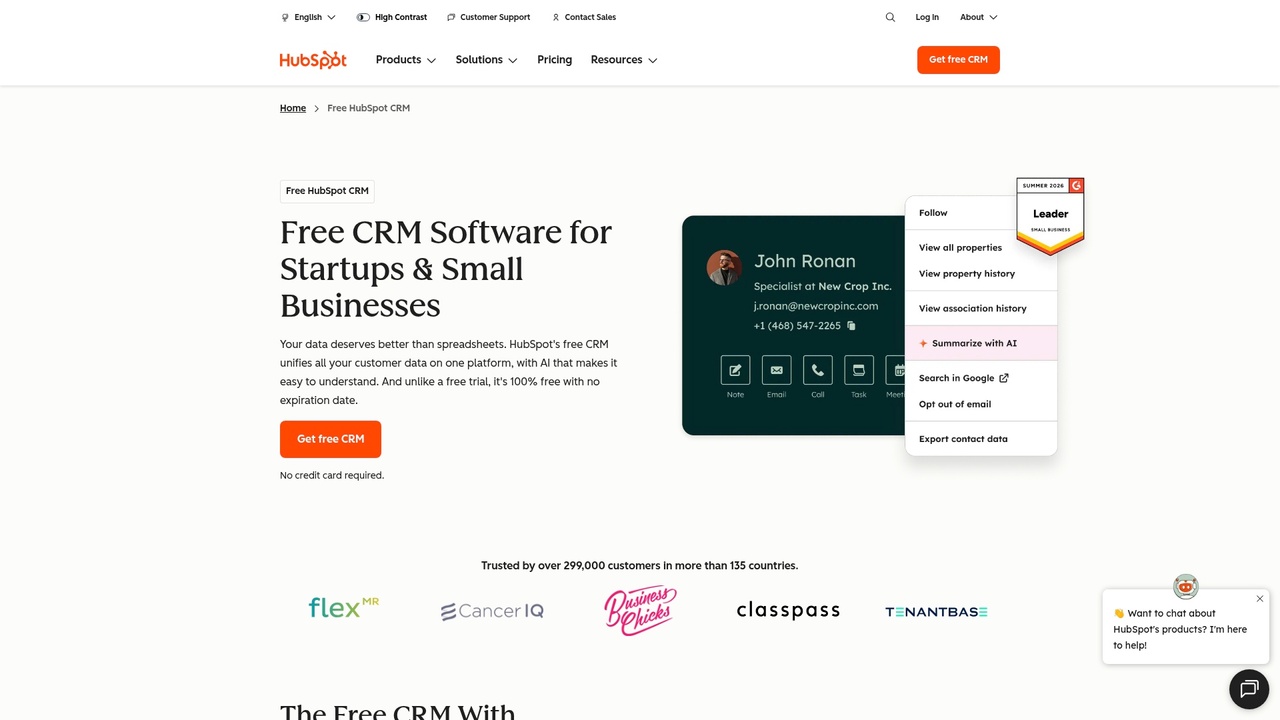
A CRM dashboard focuses on internal metrics like deal stages and sales velocity.
The distinction becomes crystal clear when you map feature against feature. A CRM excels at internal relationship management and sales operations, while a client portal specializes in client-facing transparency and project collaboration. Here's how they stack up across core functionality:
Feature
CRM
Client Portal
Lead Management & Tracking
✓ Primary focus
—
Contact & Company Records
✓ Core function
Limited (read-only)
Sales Pipeline Management
✓ Essential
—
Client Communication
✓ Internal tracking
✓ Primary channel
Document & File Sharing
Limited
✓ Central feature
Project Progress Tracking
Basic
✓ Real-time visibility
Approval Workflows
Possible
✓ Built-in
Permission & Access Control
Team-based
✓ Granular user roles
Reporting & Analytics
✓ Sales-focused
✓ Project-focused
Integrations with Business Tools
✓ Extensive
Growing
For product development agencies managing multiple client projects, the table reveals an important truth: these tools solve different problems. CRM generates documented ROI of $8.71 for every $1 spent, but only when you measure sales cycle efficiency and internal team productivity. That ROI doesn't apply to client satisfaction or document management—where portals dominate.
When evaluating customer portal MVP features for your service business, focus on the essentials: file storage with version control, messaging threads tied to projects, and granular permission controls that let clients see only their work. You don't need advanced analytics on day one; you need clients to stop asking "Where's my file?" and to have one place to access deliverables.
Conversely, a customer portal MVP won't track leads or forecast revenue. CRM MVP features center on pipeline management, contact records, and deal stages. Your sales team needs these to move prospects forward; your clients don't care about your sales pipeline.
Build vs. Buy: Should You Use Off-the-Shelf Software or Develop Custom?
The build-versus-buy decision hinges on a simple reality: off-the-shelf solutions handle routine workflows beautifully, but they rarely accommodate the exact shape of your service delivery process. HubSpot, Salesforce, and Zoho excel at tracking leads and managing standard sales pipelines. But if your agency has custom approval workflows, industry-specific compliance requirements (say, HIPAA for healthcare or attorney-client privilege for legal firms), or unique payment and billing mechanics, you'll spend months forcing the tool to fit your business instead of the reverse.
Off-the-shelf client portal software typically costs between according to FuseBase, $19–30 per month for entry-level plans up to $250–$1,500 monthly for full-featured platforms. You're buying immediately usable software with established security and minimal setup friction. For small agencies with standard needs, this is often the right call.
Custom portal development, by contrast, demands investment. Building a custom client portal typically runs $25,000–$60,000 and takes 6–12 months. The payoff arrives when your portal becomes a revenue generator, a core competitive advantage, or handles workflows so specialized that no template solution fits. Custom development also eliminates vendor lock-in—you own the code, control the integrations (like connecting directly to Stripe for payments), and adapt without negotiating new vendor terms.
The practical question: do you need a custom portal or off-the-shelf software depends on three factors. First, budget and timeline—can you afford to wait six months and spend five figures? Second, workflow uniqueness—can you reshape your process to fit a standard tool, or is your delivery model fundamentally different? Third, technical capacity—do you have in-house developers, or will you rely entirely on external agencies?
For most growing service agencies, the answer is a hybrid: use an off-the-shelf CRM for sales while exploring white-label portal development to give clients a branded, custom experience that reflects your actual operations.
Frequently Asked Questions About CRM vs. Client Portal
Strategically choosing the right tool requires understanding your endgame.
How much does a customer portal cost?
It depends on your path. Pre-built client portals run between $200 and $1,500 per month, scaling with the number of users and features you need. Custom portal development typically costs $5,000–$50,000 upfront, plus ongoing maintenance. CRMs are cheaper on entry: according to La Growth Machine, HubSpot offers a free tier, Zoho CRM starts at $14 per user per month, and Salesforce ranges from $25 to $300+ per user per month. For cost-conscious agencies, free or low-tier CRM options exist—but custom portals that give clients a branded experience require meaningful investment.
Can I use the same tool for both CRM and portal features?
Yes, but with caveats. Platforms like HubSpot, Pipedrive, and Zoho bundle both capabilities, letting you manage sales internally while giving clients portal access. The trade-off: neither feature usually reaches the depth of a dedicated solution. Your sales team's view of customer interactions may feel clunky compared to a true CRM, or your client-facing portal may lack the self-service automation you'd get from a specialized tool. For most agencies, the hybrid approach works—use the bundled portal as a starting point while planning a dedicated client portal later.
What about security and compliance for client portals?
Modern portals handle encryption, role-based access controls, and audit trails as standard. Ensure your platform offers SSO (single sign-on), data encryption in transit and at rest, and compliance with regulations relevant to your niche—HIPAA for healthcare, GDPR for EU clients. This is non-negotiable.
Can a client portal help with onboarding?
Absolutely. A self-service portal for customers cuts onboarding friction dramatically. Clients access project timelines, deliverables, documentation, and payment history instantly without emailing you. This improves experience while reducing support overhead—exactly why many agencies prioritize portal development.
Making Your Final Decision: CRM vs. Client Portal for Your Service Agency
The real answer isn't "pick one or the other"—it's recognizing that CRMs and client portals serve fundamentally different masters. A CRM lives inside your agency, driving sales velocity and team alignment. A client portal for agencies sits at the boundary between your operations and your clients' experience. They solve separate problems.
Your decision should start with a brutal audit of your current pain points. Are you losing deals because your pipeline visibility is nonexistent? That's a CRM problem. Are clients constantly asking "where's my deliverable?" or "can I check the status myself?" That's a portal problem. Most growing service agencies wrestle with both, which means the practical answer is to address your most urgent challenge first, then commit to adding the complementary tool within the next twelve to eighteen months.
If your current software bundles both—say, a project management tool with native client access and basic CRM features—use it as a foundation while you evaluate what's missing. The bundled approach rarely delivers the depth of a dedicated solution, but it's better than choosing nothing and staying stuck.
For teams serious about scaling, the investment in both tools pays for itself through reduced support overhead, fewer miscommunications, and healthier margins. As your team grows and client expectations rise, having robust systems on both the internal and external sides becomes non-negotiable.
Start by identifying which pain point—sales pipeline visibility or client communication friction—is costing you most today. Evaluate which tool addresses that challenge first. Then plan your next investment strategically. The agencies winning in 2026 aren't choosing between these tools; they're building integrated systems where both work together seamlessly.
Article FAQ
Practical next steps
Who is this startup guide for?
This guide is written for non-technical founders, operators, and small teams who need to make product decisions before hiring a full engineering team. It focuses on practical scope, cost, timeline, and execution trade-offs rather than abstract startup theory.
What should I do after reading this article?
Turn the idea into a small decision: validate the riskiest assumption, estimate the build scope, and decide whether the first version should be no-code, custom code, or a hybrid. Shipkit's free estimate and MVP scope builder can help you translate the article into a concrete plan.
Can Shipkit help implement this kind of product?
Yes. Shipkit helps founders turn validated ideas into fixed-scope MVPs, SaaS products, internal tools, marketplaces, and AI-enabled workflows. The best starting point is to get an estimate or compare your build path before committing budget.